Updated for Divi 5: I tested all five Hostly layouts in Divi 5 and they convert automatically. One thing needed a fix: Divi 5 showed the blurb icons much bigger than in Divi 4, so the updated download sets their size in pixels. It still works in Divi 4, too.
A free Divi layout pack for a hosting business
Hostly is a free Divi layout pack for companies providing cloud hosting services. It includes five page layouts (Home, Features, About, FAQ and Contact), pricing tables, cool hover effects, and lots of style!
Click through all five pages in the live preview.
Free download
Hostly Hosting Layout Pack
Five page layouts for a hosting business: Home, Features, About, FAQ and Contact. Works in Divi 5 and Divi 4.
Get the free downloadWhat’s inside the Hostly layout pack?
Every element in the Hostly Divi layout pack has been designed with a specific goal in mind, and this goal is to convert your website visitors into customers. It’s been done by means of thematic design and functional modules.
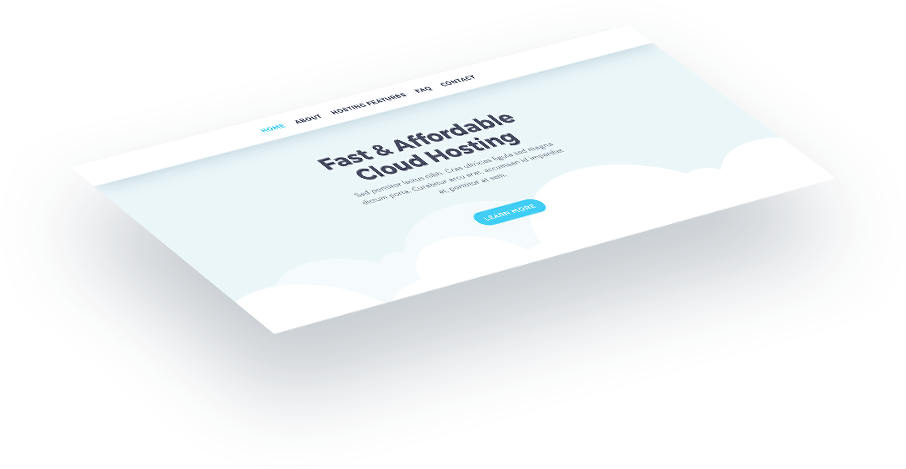
Catchy hero section
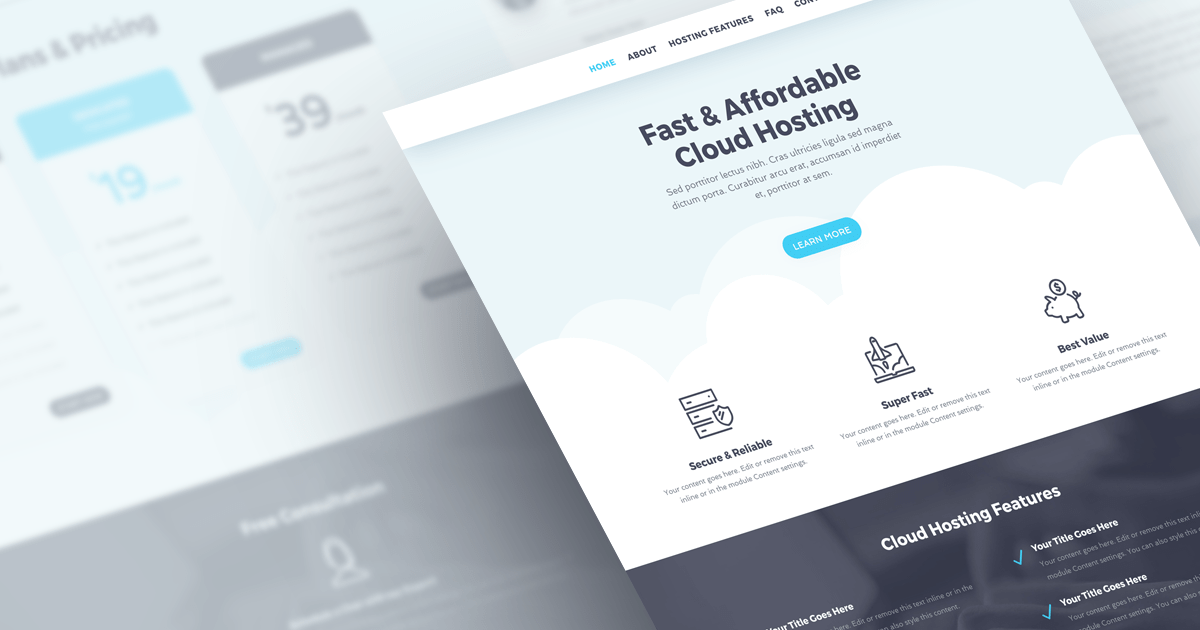
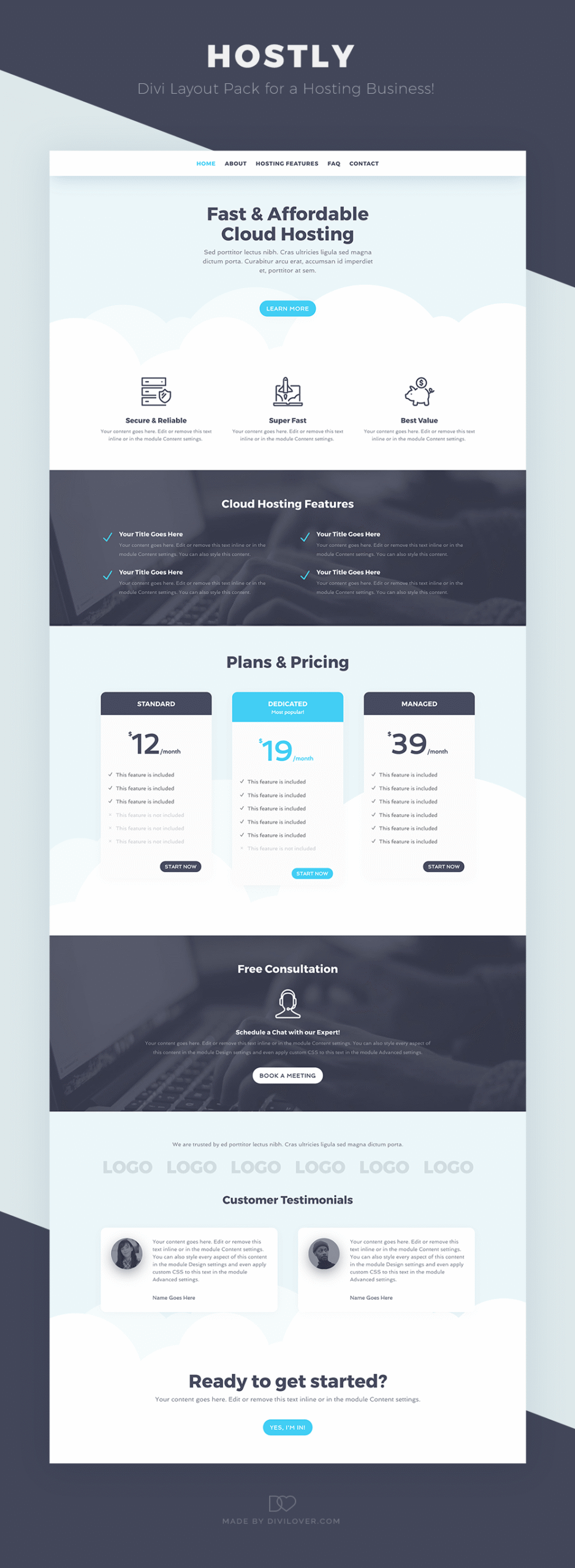
It’s a cloud. The white and light-blue design brings to mind lightness and free movement of data. The hero section brings attention to your slogan or a short manifesto, something to hook your visitors and make them scroll down.
Your best features
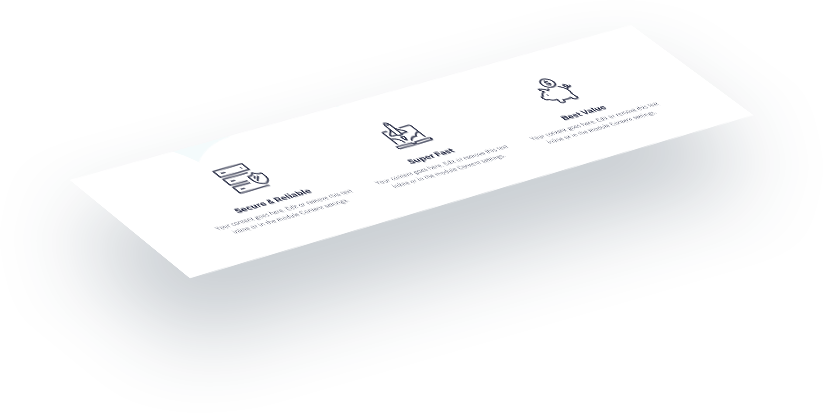
Below the hero section, you can add three of the most important features for your customers. Simple, clean icons add dynamics to the design.
Pricing
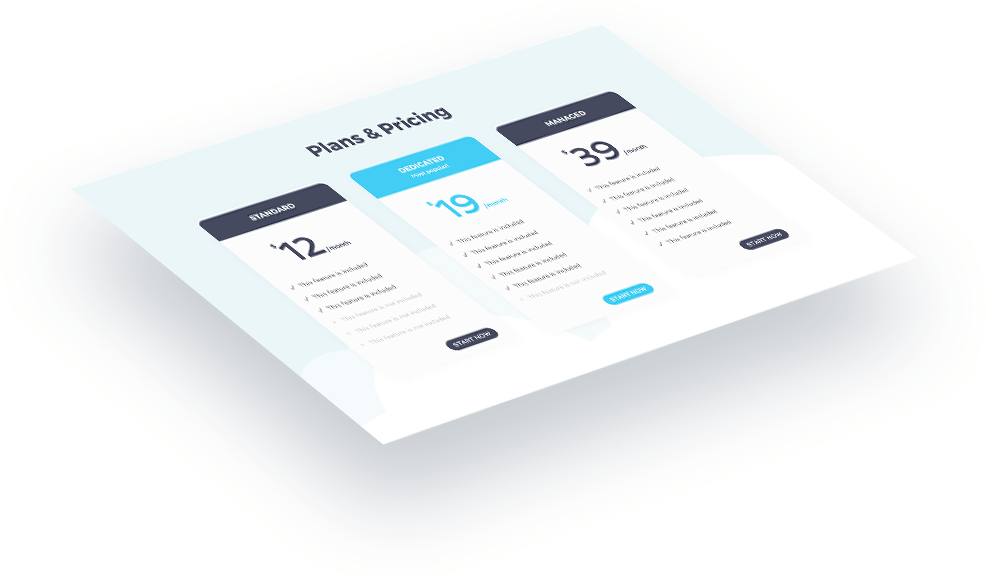
A must-have on your website! Three columns allow you to display three different pricing plans, highlighting the differences between them. This way of presenting pricing shows your clients various possibilities and gives you the chance to upsell them. Do you like the 3D-like hover effect?
Your calls to action
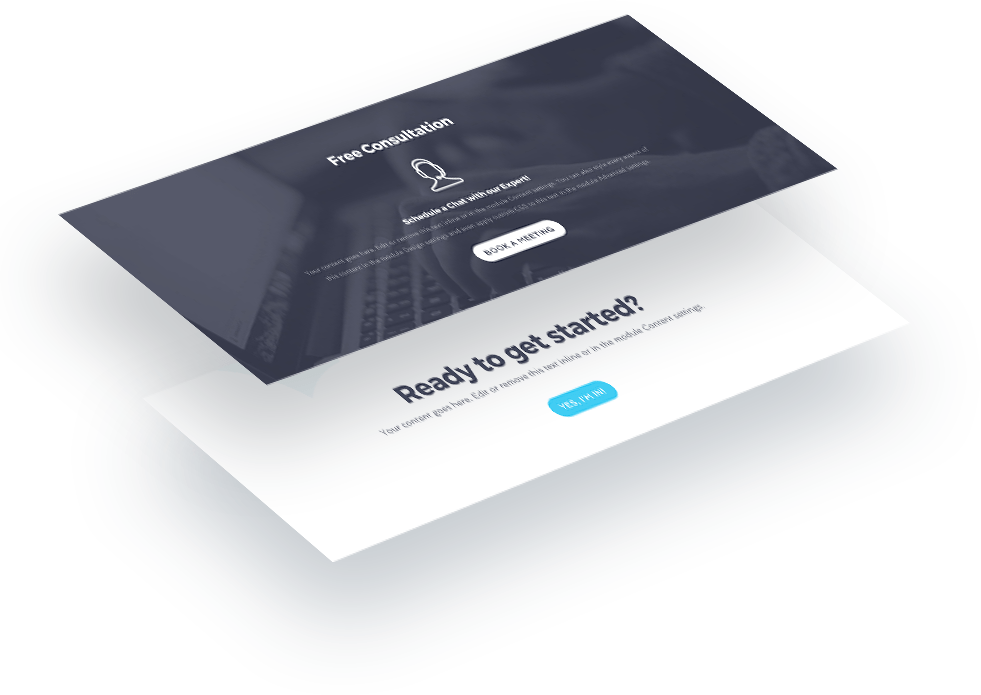
There are two distinct Calls to Action for offering two kinds of services: a free consultation, for example, and purchasing a plan. Dynamic hover effects make these buttons doubly clickable!
Testimonials and previous clients
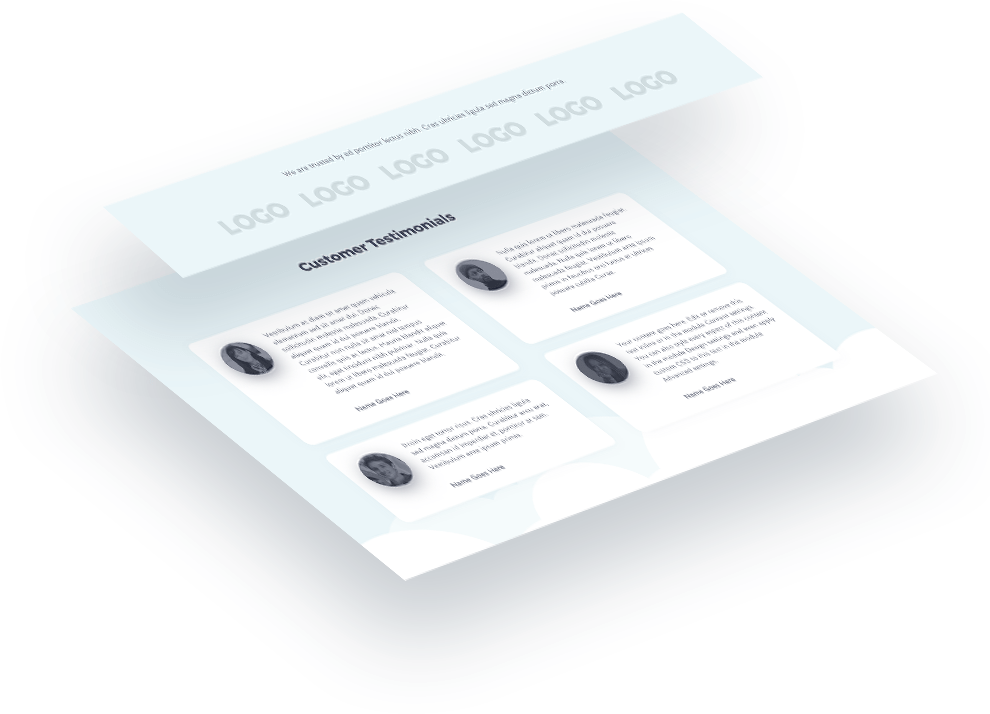
There is also a section devoted to your clients’ testimonials. Your prospective customers want to know that your previous clients were satisfied. And they are twice more likely to be persuaded by testimonials with pictures.
You can also add your business clients’ logos so that your visitors will know at a glance that you cater to businesses.
About page
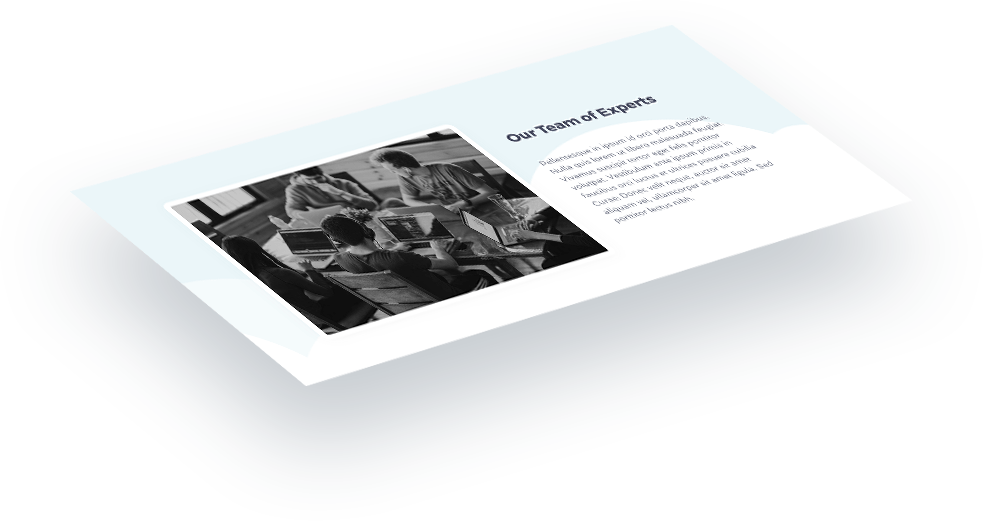
Here is where you tell your clients a few words about your company. This page also includes space for your team’s picture with an attractive hover effect. These little touches like hover effects make this layout dynamic and interactive.
FAQ
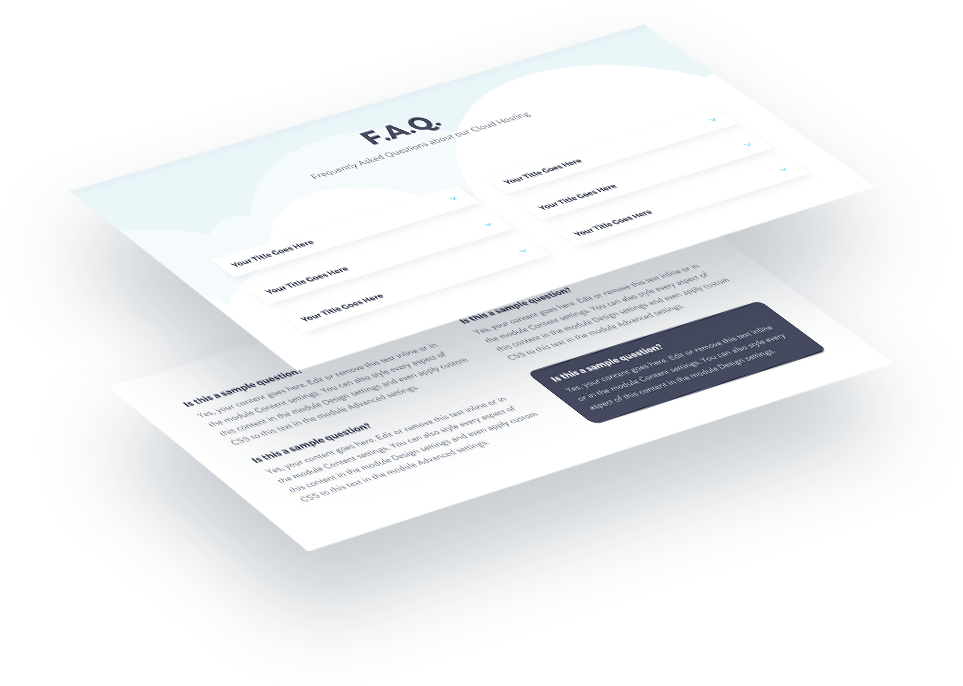
Hostly gives you two options of displaying Frequently Asked Questions. If you want a more interactive and minimalist look, go for the toggle version. If you’d rather have everything be clear at one glance, choose the standard text version.
Contact form and another CTA
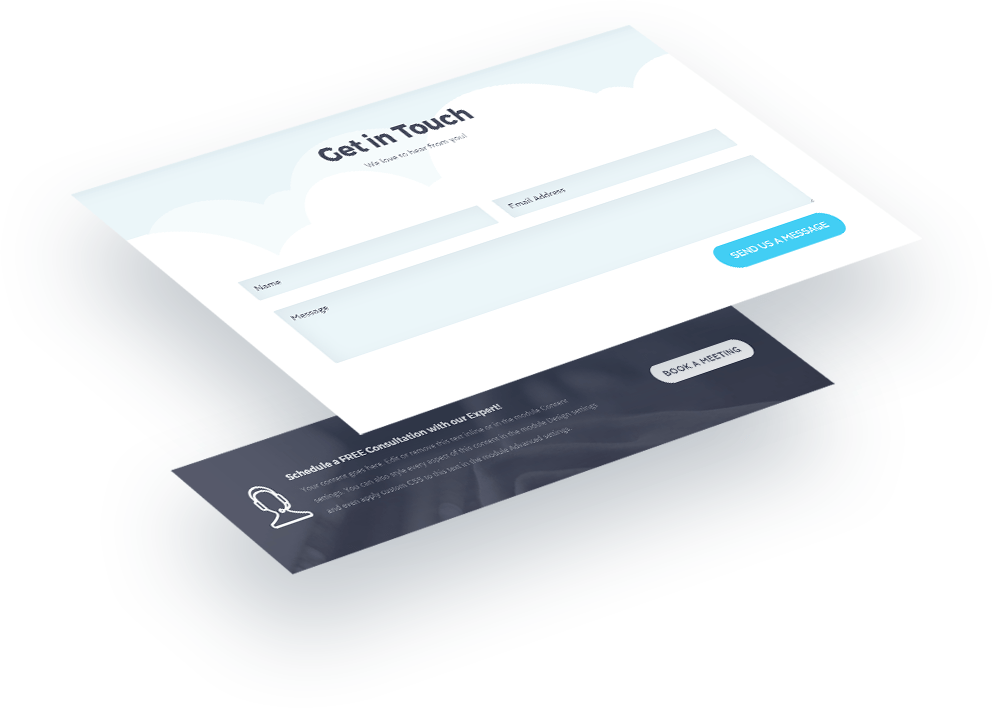
A clear, easy-to-use, inviting contact form helps your customers get in touch with you. The Contact page contains the “BOOK A MEETING” CTA with a short description and an icon, another way for your clients to contact you.
How to import the Hostly layout pack in Divi 5
Hostly is a layout pack (five layouts in one .json file), so you import it into the Divi Library and then load each layout on its own page. Divi 5 converts the Divi 4 layouts automatically.
- Unzip the download.
- In your WordPress dashboard go to Divi → Divi Library, click Import & Export, open the Import tab, choose
Divi_Lover_Hostly_Layout_Pack.jsonand click Import. - Create a page (for example Home), click Edit With Divi and load the matching layout from your saved layouts (in Divi 5: Insert Layout → Saved Layout; in Divi 4: Load From Library → Your Saved Layouts).
- Repeat for the Features, About, FAQ and Contact pages.
- Each layout starts with a Fullwidth Menu module: choose your own menu in its settings, or delete it if your theme header already shows the menu.
If you try to import the file on a page instead of the Divi Library, Divi shows the “This file should not be imported in this context” error. Here’s why it happens and how to fix it.
The custom CSS (the check and cross icons in the pricing tables, the hover effects and the toggle arrow) is in the Fullwidth Code module at the top of every layout. It’s the same on every page, so you can copy it once to Divi Theme Options → Custom CSS or your child theme stylesheet (without the <style> tags) and delete the Code modules.
What I changed for Divi 5
Only the size of the blurb icons. In the original layouts the icon images had a maximum width of 45%, and Divi 5 calculates that percentage from a wider box than Divi 4, so the icons were about 60% bigger. The updated download sets them to 90px, which looks the same in Divi 5 and Divi 4. Everything else (the pricing tables, the 3D-like hover effects, the toggles, the parallax backgrounds and the cloud dividers) works in Divi 5 without changes.
Final thoughts
Take a look at the layout demo and see Hostly in action! Download the layout pack for free and enjoy all five pages. If you like it, let me know in my Divi Lovers Facebook group, because I love your feedback!