Updated for Divi 5: I imported this layout into Divi 5 and both hero sections and their animated waves work. Divi 5 converts the layout when you import it.
Wavy animated section dividers!
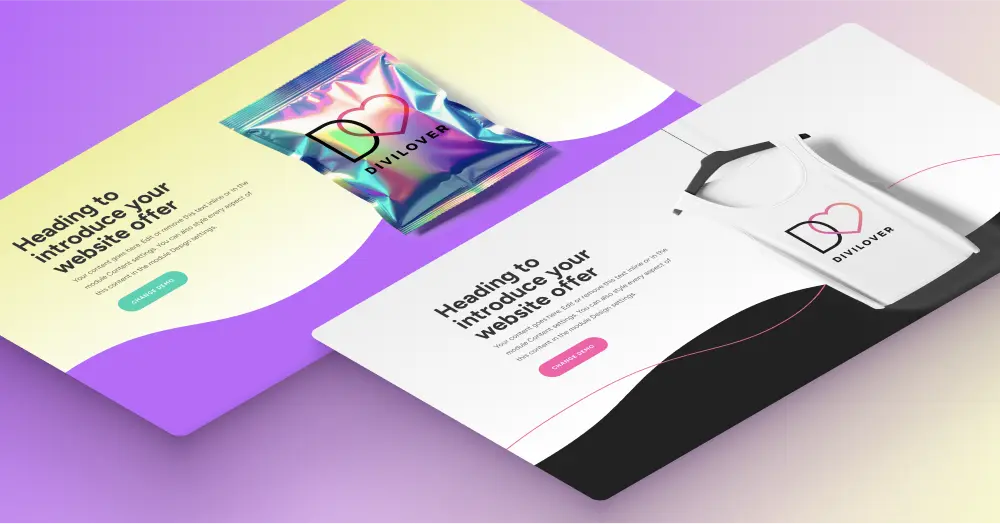
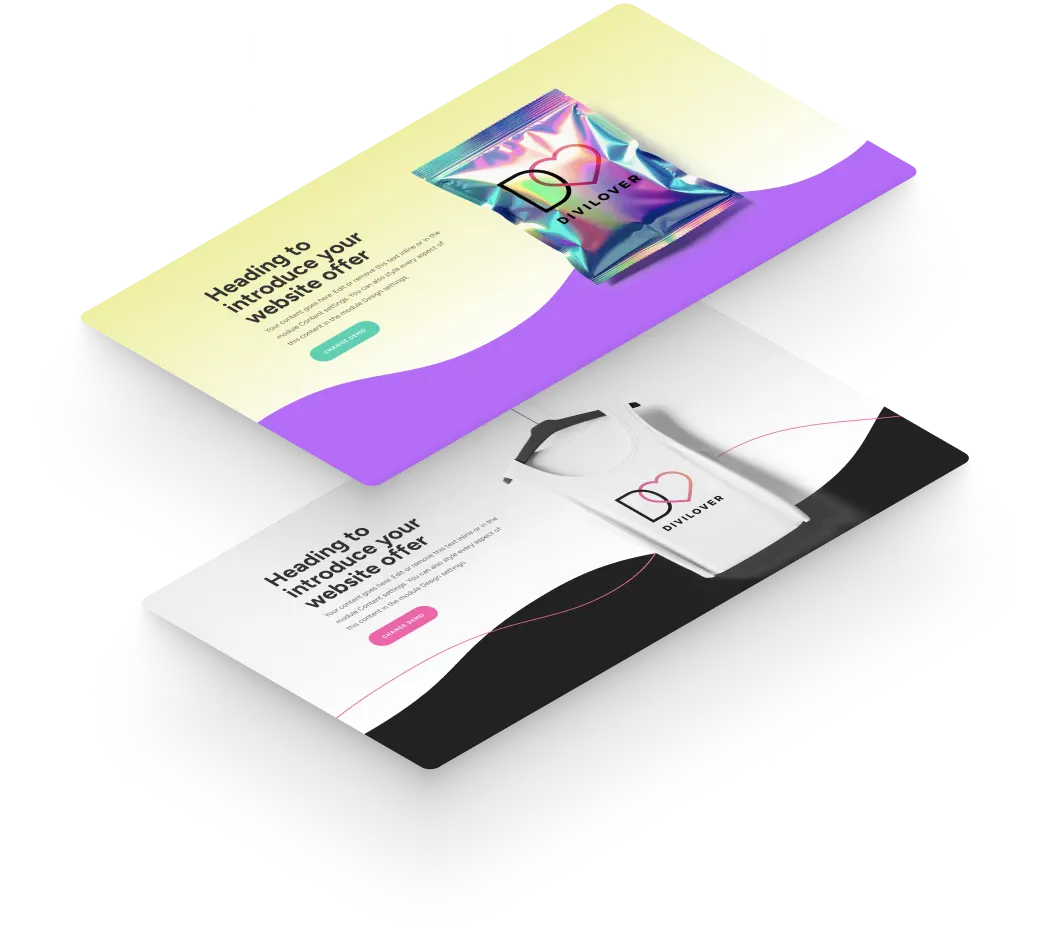
This free Divi layout has two hero sections with animated SVG wave dividers at the bottom: one with a solid wave, and one with a solid wave plus a thin animated line.
I created a tutorial for animated waves as section dividers using custom CSS, and this is the free layout version you can download and add to your Divi website. See the demo here and click the button to switch between the two versions.
Free download
Hero Sections with Animated Wave Dividers
Two Divi hero sections with animated SVG wave dividers at the bottom, made with Code modules and a few lines of CSS. Works in Divi 5 and Divi 4.
Get the free downloadWhat's inside the free layout?
Two JSON files, one per hero section, both free to use on your own and your clients' websites:
- Animated Hero Section Divider: a hero section with a purple animated wave at the bottom.
- Animated Hero Section Divider 2: a dark wave plus a thin pink line wave that moves at a different speed.
All the CSS is in the Free-Form CSS of the wave rows, so there's nothing to add to Theme Options.
How to import and customize the layout
Import the JSON file into a page with the builder's Import option, then change the texts, the image and the wave color.
- Divi 5: open the page with the Visual Builder, click the gear menu in the top-left corner → Import, and choose the .json file.
- Divi 4: click the Portability icon (two arrows) in the page settings bar → Import, and choose the .json file.
- Wave color: open the wave row → Advanced → CSS → Free-Form CSS and change the
fill(orstrokefor the line) color. - Speed: change the animation duration (for example
20s) in the same field.
If you need a walkthrough, watch my quick follow-along video below (recorded in Divi 4; in Divi 5 the Import option is in the gear menu).
And that's it!
If you'd like to learn how to create this section divider effect on your own, check out the tutorial. An animated section divider is an excellent way to add a bit of movement to your website and keep your visitors engaged.
Which version do you like best, the first or the second hero section? Tell me in my Divi Lovers Facebook group!