Updated for Divi 5: I imported Anthony into Divi 5 and it converts automatically. The hover effects, the faded project images and the mobile column order all still work, and it still works in Divi 4.
A free About Me page layout for freelancers
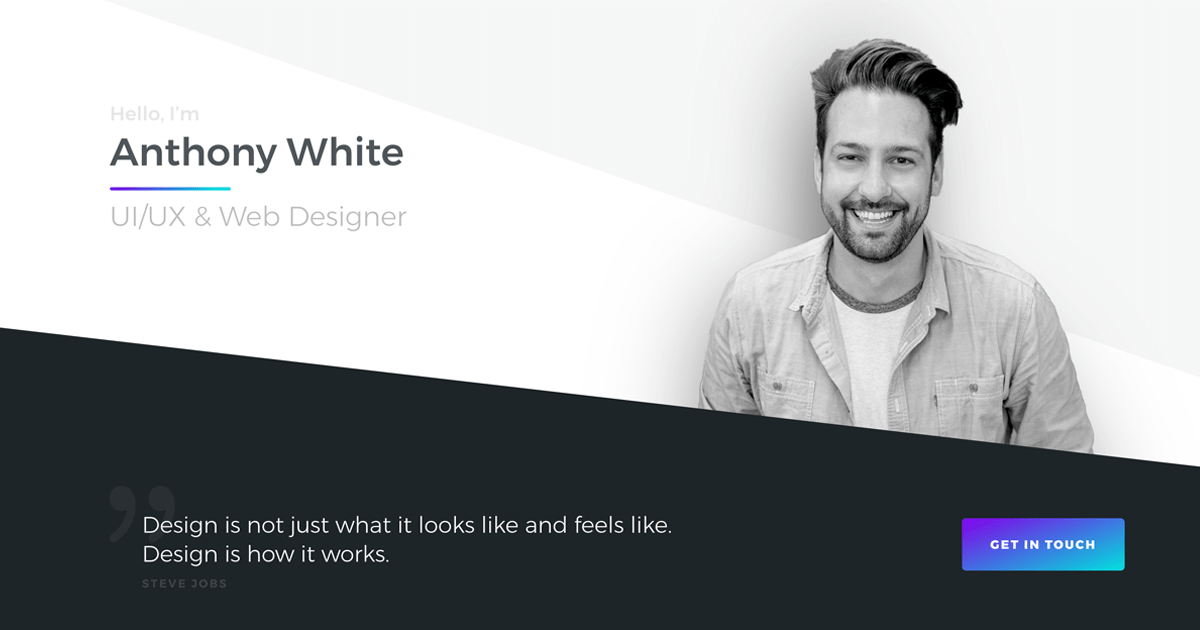
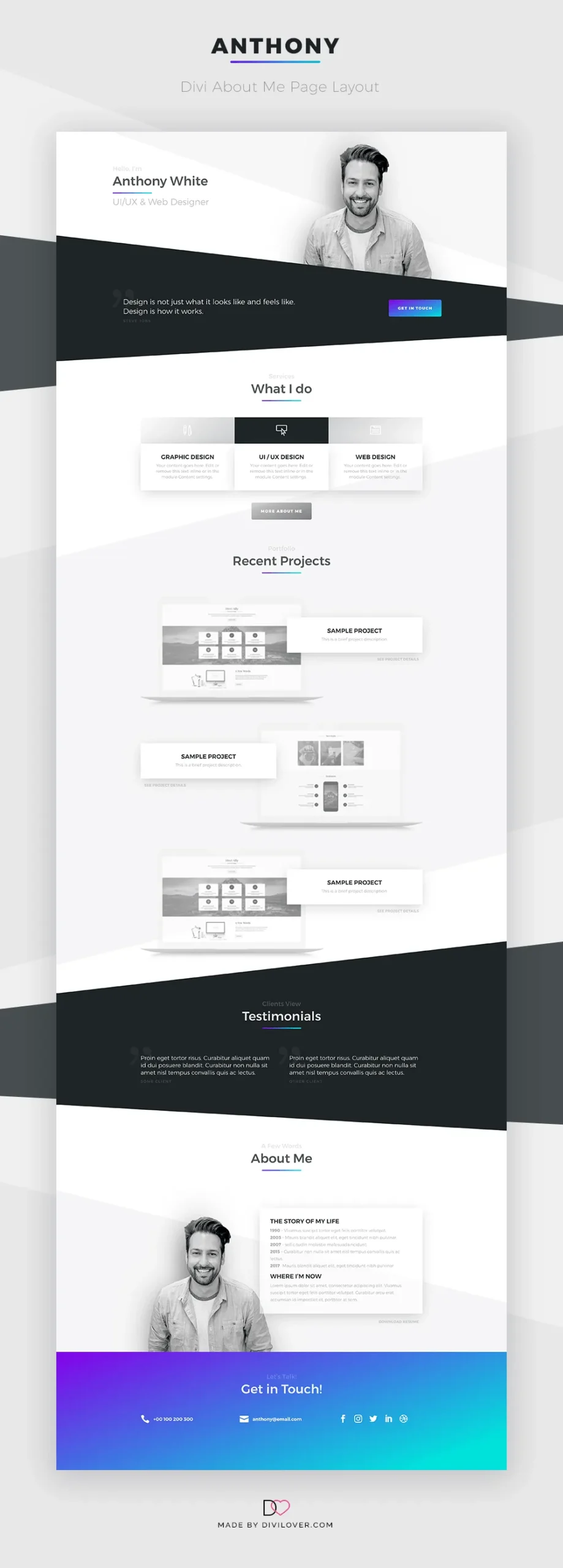
Anthony is a free one-page Divi layout for a freelancer’s About Me page: an introduction with your photo, your services, sample projects, testimonials, a personal note and your contact details.
An About Me page needs a few elements to be convincing and win you new customers. This layout has them all!
Want to see it in action first? Take a look at the live preview.
Free download
Anthony About Me Page Layout
An About Me page layout for freelancers with services, projects, testimonials and contact details. Works in Divi 5 and Divi 4.
Get the free downloadWhat should an About Me page include?
A good About Me page introduces you, shows what you do and proves you do it well, then makes it easy to get in touch. These are the six elements the Anthony layout is built around:
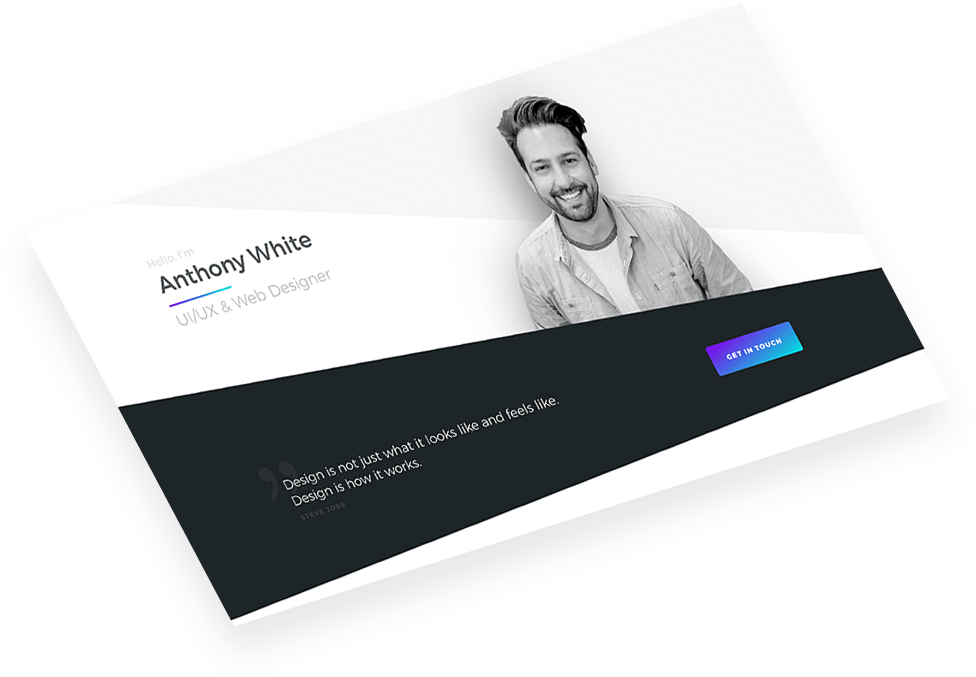
Eye-catching introduction
Tell your visitors who you are. Let them see your face. It’s an important and effective strategy of personal branding.
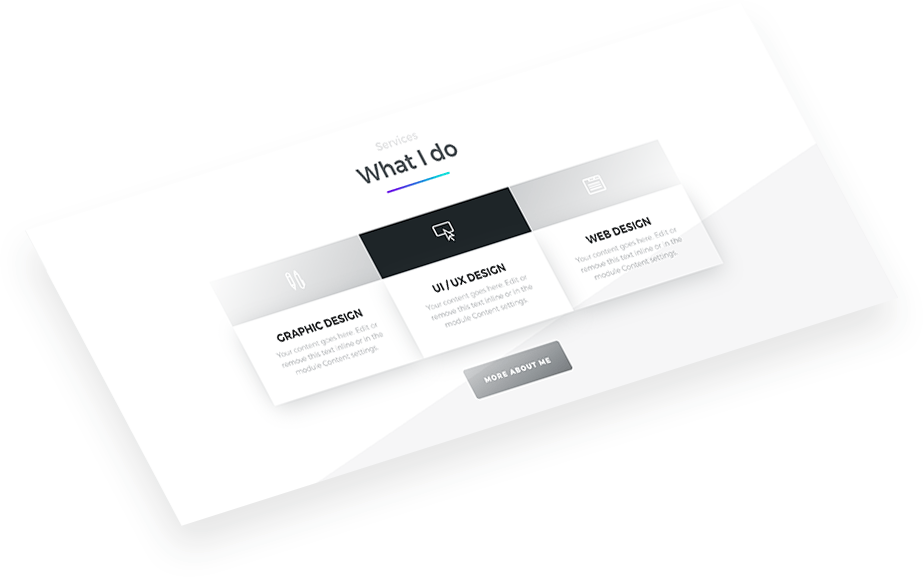
Key services
Tell them what you can do. Let them know what services you’re offering.
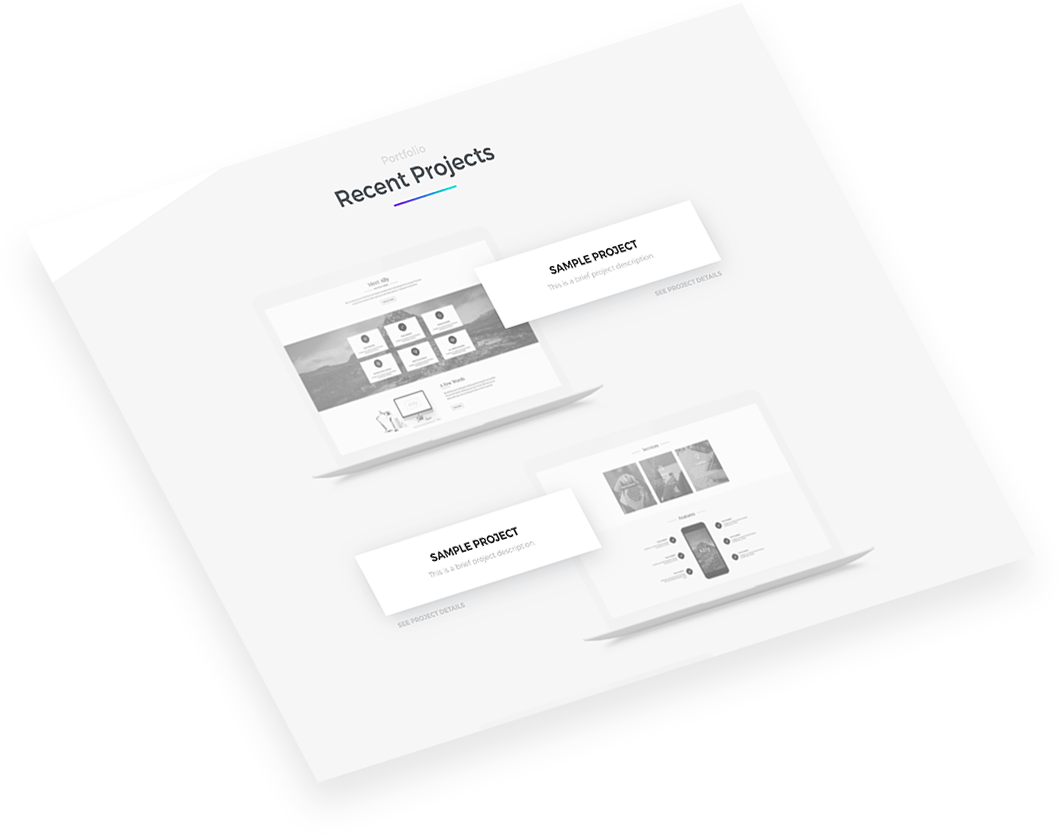
Sample projects
It’s a snippet from your portfolio, showcasing your best projects. A must-have for all successful freelancers! The project images are faded and black and white, and they get their colors back when you hover over the project (on tablets and phones they are always in color).
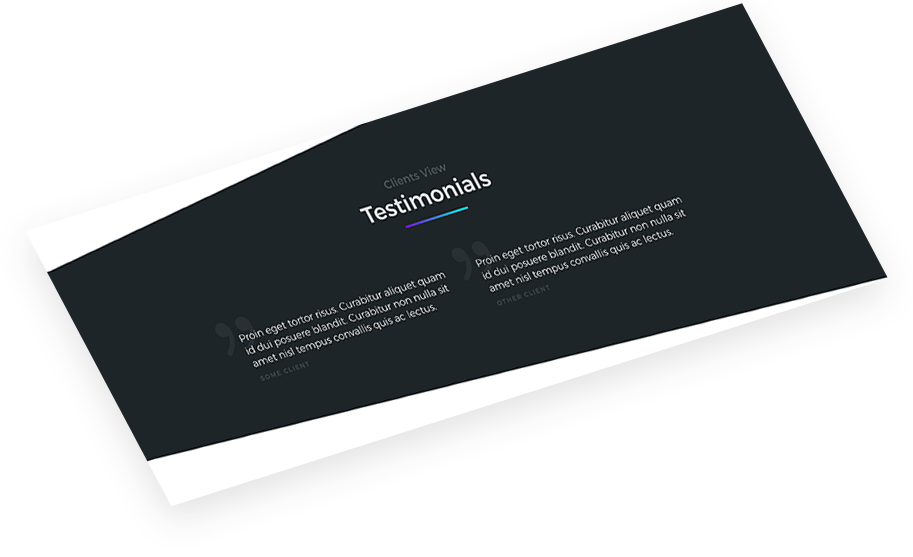
Social proof: Testimonials
Your visitors should see that you’ve made your previous clients happy. Positive testimonials prove your professionalism and skills.
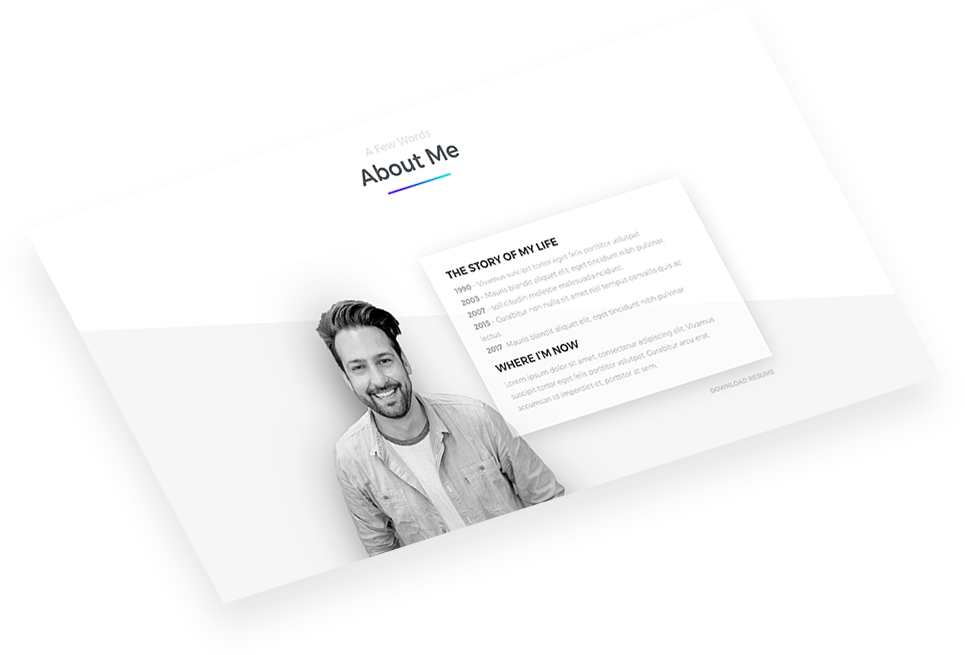
Personal note about you
Tell them who you are in more detail. Let them see you not only as a professional but also as a person. It makes you more approachable.
Contact information which is easy to access
Don’t force your customers to search for your contact details! Make them visible, highlight them, and help your customers reach you.
How to import the Anthony layout in Divi 5
Unzip the download and import Divi_Lover_Anthony_About_Me_Page.json on a page with the Divi Builder: Divi 5 converts the Divi 4 layout automatically.
- Create a new page and click Edit With Divi.
- Open the gear menu in the top-left corner of the builder and choose Import (in Divi 4: the Portability icon in the page settings bar → Import).
- Choose the .json file, click Import and save the page.
- Replace the photo, texts, projects, testimonials and contact details with your own.
All the custom CSS (the quote icon, the button and card hover effects, the color-on-hover project images and the reversed columns on mobile) is in the Code module in the first section. You can leave it there, or move it to Divi Theme Options → Custom CSS or your child theme stylesheet (without the <style> tags) and delete the module.
Final thoughts
Don’t forget to take a look at the layout demo! I worked hard to make this layout for you and I hope very much that you’ll enjoy it.
I appreciate your feedback, so let me know what you think in my Divi Lovers Facebook group!