Updated for Divi 5: This is a list from 2022, so every video below shows Divi 4. They’re still a good way to learn the basics, and under each one you’ll find a short note on what’s different in Divi 5. All the videos were still online in November 2026.
If you are a Divi beginner, you might be feeling quite overwhelmed, not only by the endless possibilities of Divi, but also by the amazing variety of Divi tutorials available on YouTube. You might be wondering where and how to start to get the most important information and learn all you need to know without wasting hours upon hours.
This is why we have prepared this short selection of beginner-friendly YouTube tutorials to help you learn the basics of creating and maintaining a Divi website, while doing your first, gentle forays into custom CSS design.
Just a quick note here: we have not included any tutorials by Elegant Themes, because there are just so many of them! But we want to make clear we recommend their content above all else. The official Divi documentation from Elegant Themes, as well as their YouTube channel, which is full of practical Divi tips and tricks, should be the first place you look for information, especially for Divi 5.
Best full website tutorials for Divi beginners
If you want to build your first Divi website from scratch, start with one of these long tutorials: they cover the whole process, from hosting and installing WordPress to designing every page with Divi.
Now, there are many variations available, but we decided to highlight these three especially.
Webdesign Playground
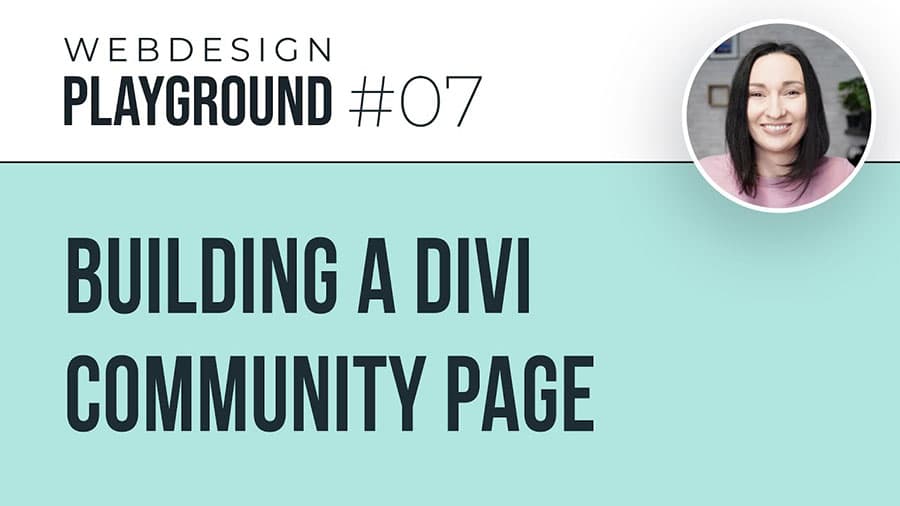
This is a project Ania did in 2021. Webdesign Playground was a series of live meetings during which Ania designed a full Divi website step by step, showing everything on screen. If you’re familiar with her teaching style, you know that she is accessible to beginners and can make even a very complex idea easy to understand. And that is the core of Webdesign Playground: making a website that is a bit more complex, well-designed, responsive and professional, without complicating the process. You can watch each episode on its own, so you’re not overwhelmed by a 3-hour-long video from the get-go. The first lesson deals with setting up hosting, so all steps are covered!
In Divi 5: the design process and the hosting setup are the same, but the builder interface looks different from the one in the videos.
How To Make A WordPress Website: Divi Theme Tutorial (Ferdy Korpershoek)
This is a complete, 3-hour-long website creation tutorial by Ferdy Korpershoek. We chose it because of Ferdy’s amazing teaching style. He’s friendly, explains everything well, and spending 3 hours in his company is a real pleasure on top of being a learning experience.
In this tutorial, Ferdy will take you through the entire process of website creation. The video was published in 2022, so it shows Divi as it was at that time.
In Divi 5: the WordPress part (hosting, installation, the dashboard) still applies; for the builder itself, compare with the Elegant Themes Divi 5 documentation.
How to Create a WordPress Website: Divi Theme Beginner’s Walkthrough (Ania Romańska)
And of course, we have to mention Ania’s tutorial! It is 3 hours long and starts with setting up hosting and explaining the most important elements of the WordPress dashboard. Then it takes you through all the steps of designing a beautiful, professional website in the Divi Lover style. Ania explains everything in simple terms, and you can also download free layouts with her design.
In Divi 5: the video was recorded in 2020 in Divi 4. Divi 5 can import Divi 4 layouts and converts them automatically.
Short but useful Divi tutorials for beginners
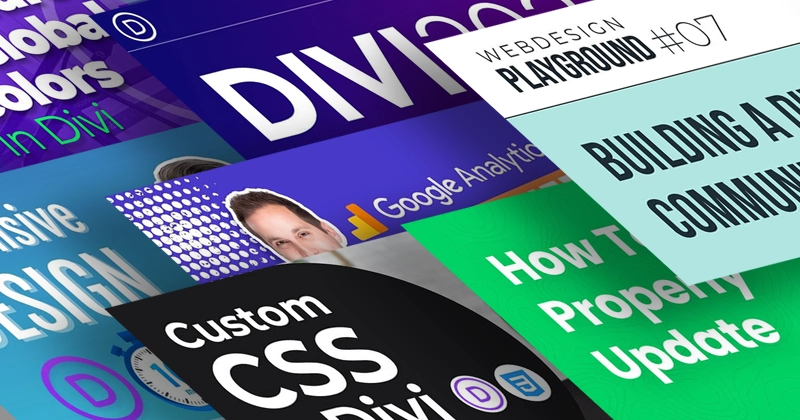
If your website is already up and running, these short videos teach the essentials in 10 to 15 minutes each: responsive design, global colors, safe updates and Google Analytics.
Maybe you don’t need to know everything, and all you’d like to know are a few useful tips to save time and avoid making some rookie mistakes. These tutorials will ease you into the topic of responsive design, introduce the idea of global colors in Divi, teach you how to update the Divi Theme so you don’t risk losing your website, and explain how to use Google Analytics.
Learn Divi Responsive Design In 10 Minutes (Victor Duse)
Responsive design is tricky, and not just for beginners! To design a website that will be pixel-perfect on all screen resolutions is no small task, and while Divi does a lot of the responsive design work automatically, it can’t take care of everything. This is a short, great summary of how responsive design works within the Divi Theme and the common issues to look out for.
In Divi 5: besides Desktop, Tablet and Phone, Divi 5 has more breakpoints (Phone Wide, Tablet Wide, Widescreen and Ultra Wide), so you get even more control over each screen size. For fluid sizes that scale between breakpoints, see our CSS clamp calculators for Divi 5.
How to use Divi Global Colors (Wade McMaster)
Global Colors were still a fairly new addition to Divi in 2022. Using this feature will help you save a lot of time, but it can be tricky, too. This quick tutorial explains the Global Colors feature and the pitfalls you should avoid while working with them.
In Divi 5: Global Colors are still there, and you manage them in the Variable Manager together with other design variables (like numbers and fonts). Read more in our post about building a Divi design system.
How To Properly Update Divi (Pee-Aye Creative)
Updating your WordPress theme is, of course, the foundation of keeping your website healthy. Yet still, many avoid this for fear of messing up the website’s design. If you’re worried about updating, you can watch this 15-minute tutorial to quickly learn the best practices to make the updates easy and risk-free.
In Divi 5: the best practices (a backup first, testing on a staging site) matter even more when you move a website from Divi 4 to Divi 5.
Google Analytics Beginners Tutorial (Josh Hall)
And not to forget the goal of your website: conversions! In this tutorial, Josh explains how to get and analyze your website’s performance data so you know if it’s working the way you want.
Good to know: the video shows Universal Analytics, which Google replaced with Google Analytics 4 in 2023. The video title points to an update in its description.
Josh has more excellent content, most notably podcasts and interviews with web designers from around the world, and we encourage you to explore his YouTube channel!
How to start learning custom CSS for Divi
When you’re ready for custom CSS, start with our free CSS beginner guide for Divi: it explains the CSS basics and where to add CSS in Divi 5 and Divi 4.
It’s complete with a video tutorial, in which Ania explains the most important CSS basics while demonstrating everything on screen so you can grasp even the complicated rules easily. Moreover, this guide is especially geared towards Divi users, so it will also teach you the intricacies of using custom CSS specifically with the Divi Theme.
Working with Custom CSS in Divi: Beginner Guide (Ania Romańska)
In Divi 5: the CSS itself works the same, but some settings moved. The written guide gives every path for both Divi 5 and Divi 4.
Final thoughts
Start with one full website tutorial, add the short videos as you need them, and move on to custom CSS when you’re ready. For anything specific to Divi 5, check the Elegant Themes documentation first.
We hope this list of the best YouTube Divi tutorials for beginners was useful. If you have any beginner-friendly Divi tutorials that were helpful at the start of your journey, we’d love to know, so please share them in my Divi Lovers Facebook group!