Milly 2.0 is here! 🎉
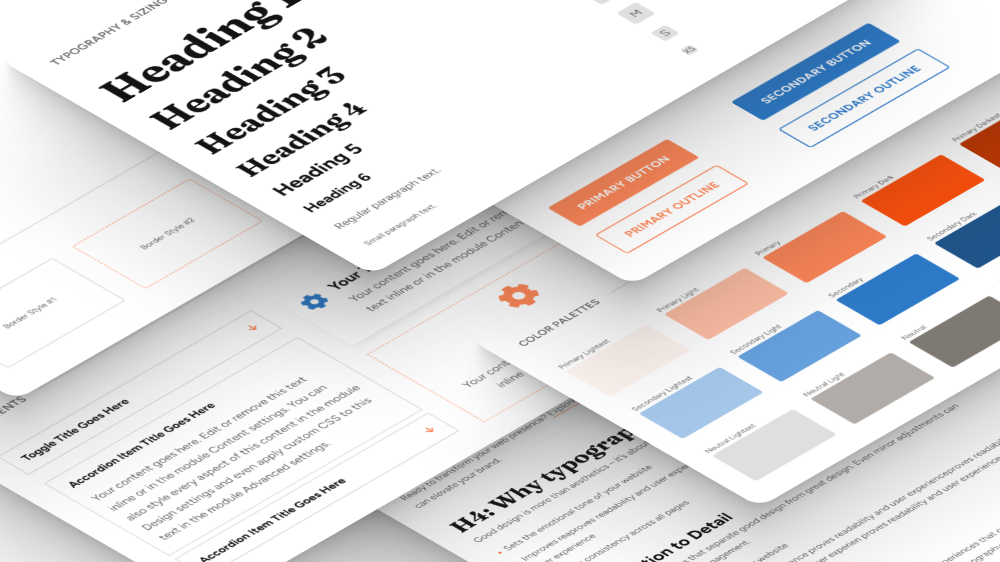
It's the biggest update Milly has ever had. I rebuilt the whole demo from scratch for Divi 5, so if you start a new website with Milly today, you get a child theme made the Divi 5 way: global variables for colors, fonts and sizes, presets built on them, Flexbox and Grid layouts, and popups built with Canvases.
Already own Milly? This update is free, and there's no need to move your website to Divi 5 until you're ready.
In this post, I'll show you what's inside Milly 2.0, how it works on Divi 4 and Divi 5, and what to do if you already have a Milly website.
What's in Milly 2.0?
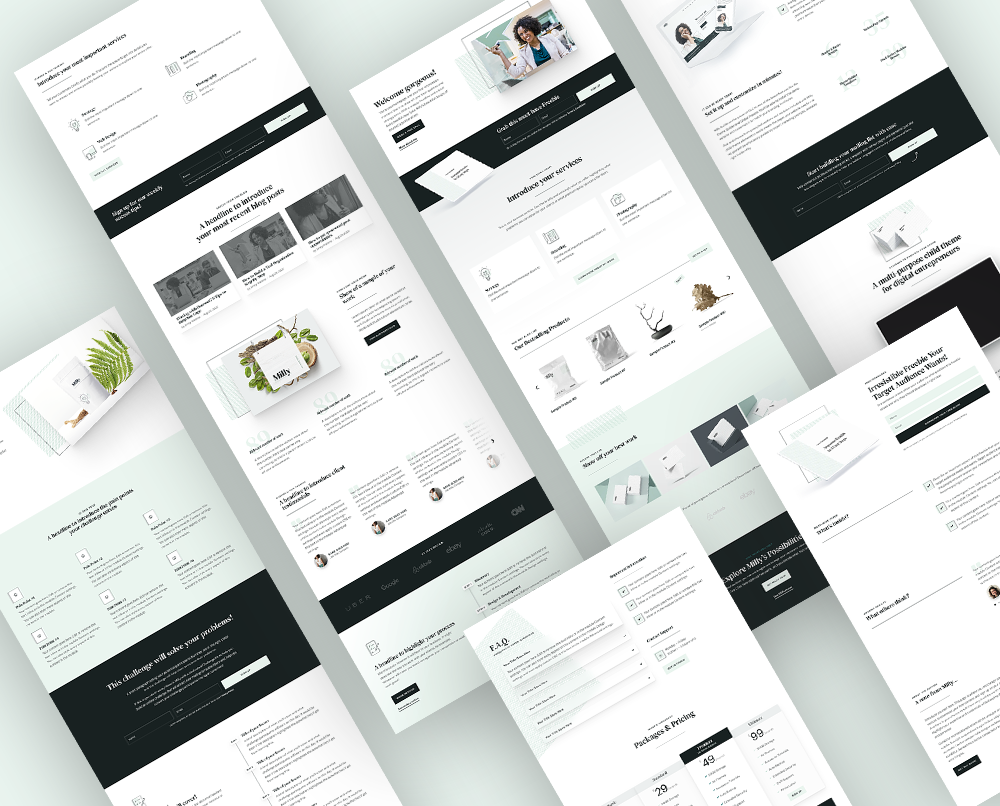
Milly 2.0 is a multipurpose child theme for Divi with a complete demo built natively for Divi 5: pages, templates, popups, sliders and a shop, all connected to one design system. It also includes the Divi 4 version, so one package works on both.
A design system built on variables
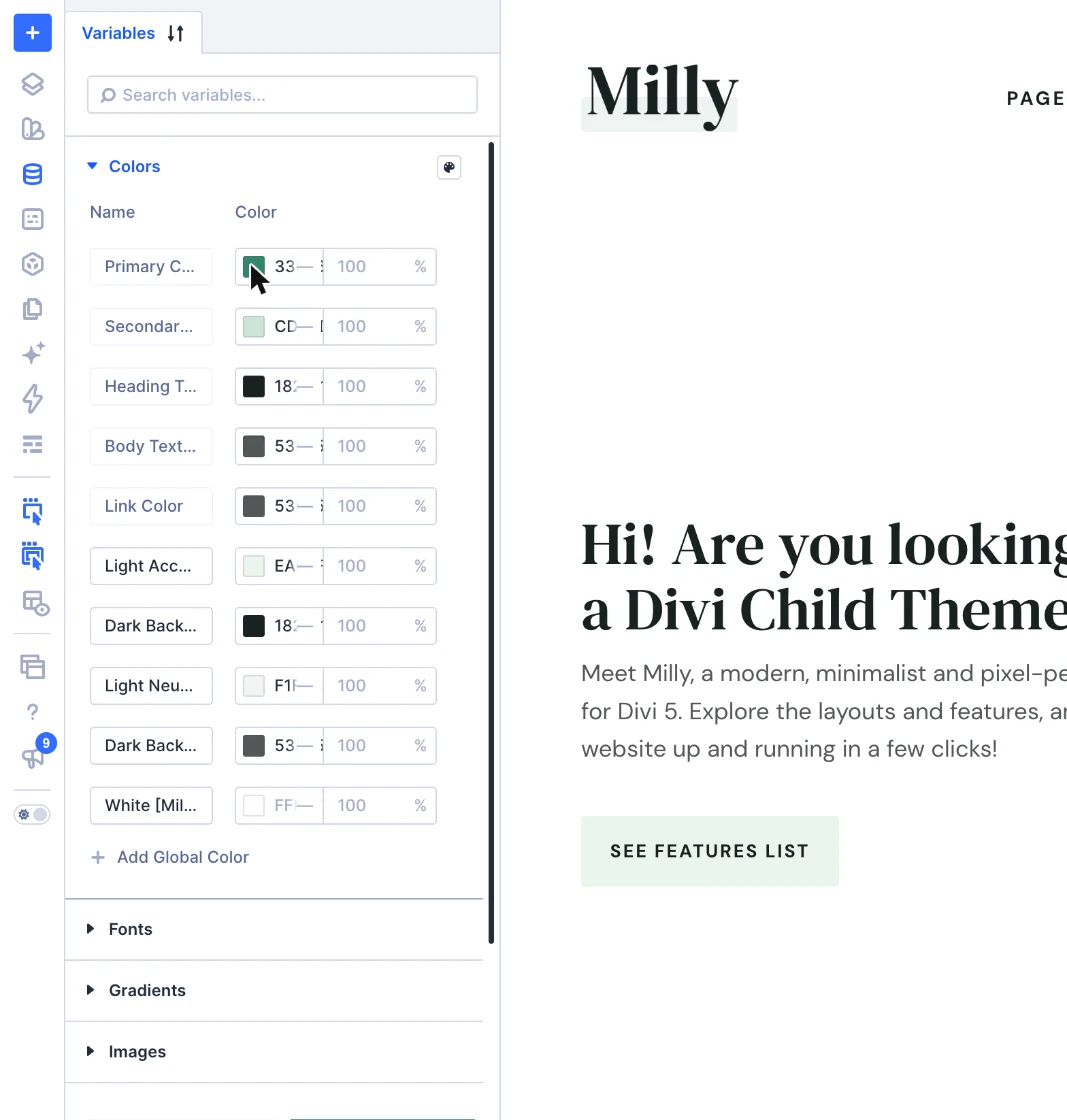
Milly's colors, fonts and text sizes are global variables, and the presets are built on them. Change your brand color or font once and it updates across the whole website. Text scales smoothly from phone to desktop, and the layouts use Divi 5's Flexbox and Grid, so pages are easier to adjust on every screen size.
Pages, sections and templates
The demo comes with 31 pages, 70 ready-made sections and 14 Theme Builder templates: home pages for different kinds of businesses, marketing landing pages, a blog, a shop and everything in between. It's all saved in your Divi Library, so you can mix and match pieces in your own projects.
Popups
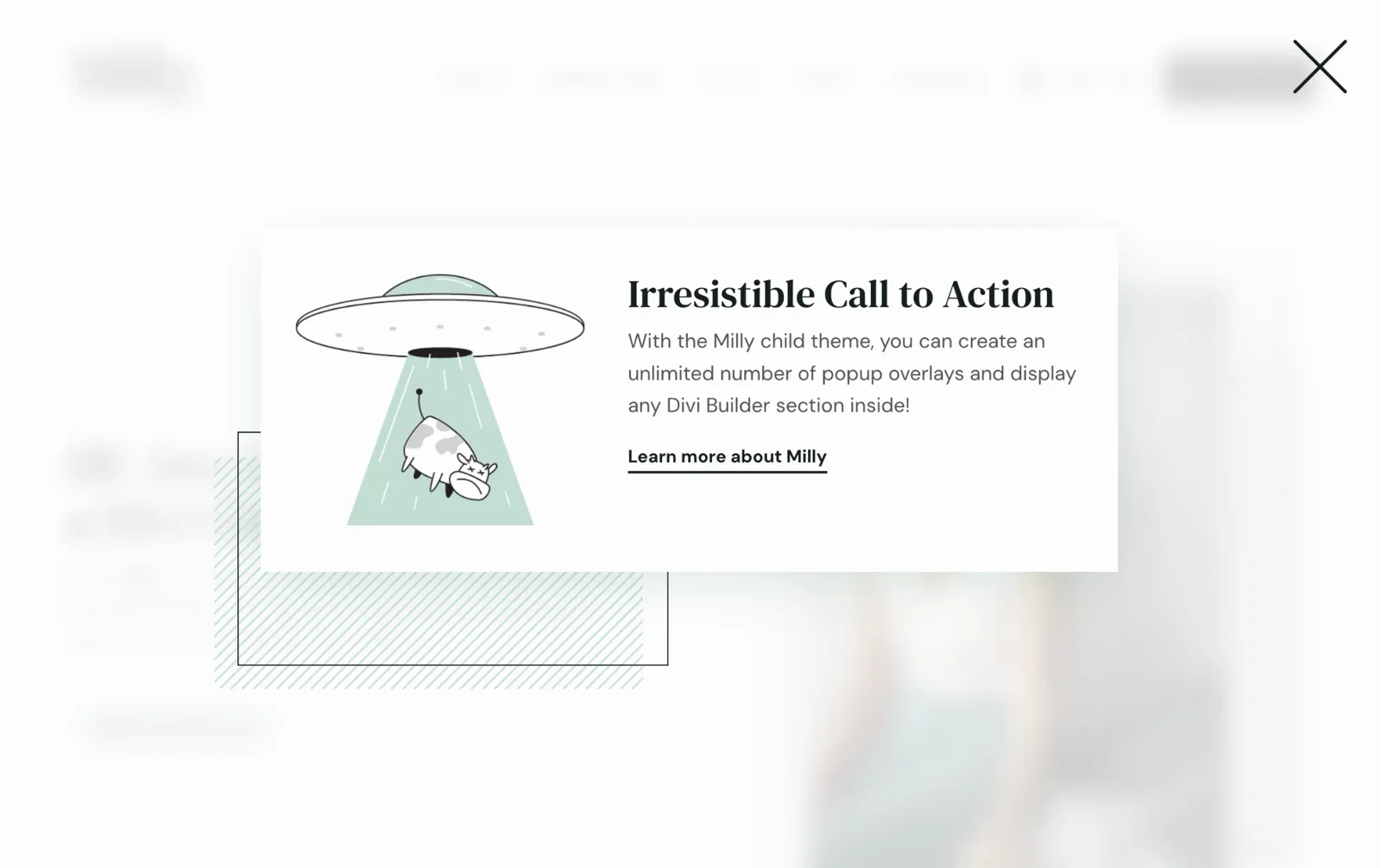
Milly's popups are built with Divi 5's Canvases and Interactions. You'll find them in the menu search, the newsletter sign-up, the contact form, video overlays and service details, and you can use the same approach for any popup you need.
Sliders and carousels
Milly includes flexible sliders and carousels for testimonials, products, images and more. You can customize navigation, autoplay and transitions, or create a continuous scrolling ticker, without adding another plugin.
Parallax, preloader and little extras
The parallax hover effect is still here, along with a preloader, a few handy styling helpers and small touches like menu icons in the mobile menu and a tidier Media Library.
Shop, importer and automatic updates
There's a ready-made WooCommerce shop, a one-click demo importer with Restore Content (to bring back anything you deleted from the demo), and automatic updates with your license key.
You'll find how everything works, with screenshots, in the Milly documentation.
How Milly works on Divi 4 and Divi 5
Milly 2.0 checks your Divi version and your existing setup, and loads the right version of Milly automatically. You don't need to choose anything.
- New website on Divi 5: you get Milly 2.0 with the new Divi 5 demo.
- Existing Milly website on Divi 4: everything keeps working as before. Milly loads the same Divi 4 code you've been using.
- Existing Milly website migrated to Divi 5: your current design stays, and Milly includes fixes that help it keep the same look on Divi 5.
- New website on Divi 4: you can still import the original Divi 4 demo, but we recommend upgrading to Divi 5 first.
Migrated to Divi 5 is not the same as built for Divi 5
Migrating your website to Divi 5 doesn't automatically give it the new Milly 2.0 design system. Your website won't automatically use global variables for colors, fonts and sizes, presets built on them, the new layouts or Canvas popups. Only the new Milly 2.0 demo is built that way from the start.
That's why, if you're starting a new website, we recommend upgrading to Divi 5 first and importing the new demo, instead of building on Divi 4 and migrating later.
And for existing websites, the update doesn't replace your design with the new demo. Both versions live in one package, so your website keeps the design you built.
Starting a new website with Milly 2.0
Starting a new website with Milly 2.0 is straightforward, thanks to the built-in one-click demo importer. Install Milly 2.0 on a WordPress site running Divi 5, activate your license, and click Start Import. A few minutes later, your website looks just like the Milly demo.
The importer brings in everything at once: pages, blog posts, products, Theme Builder templates, presets, global colors and fonts, menus and placeholder images. It even installs WooCommerce for the shop. Then you just change the colors and fonts to match your brand, swap in your own content, and you're ready to go.
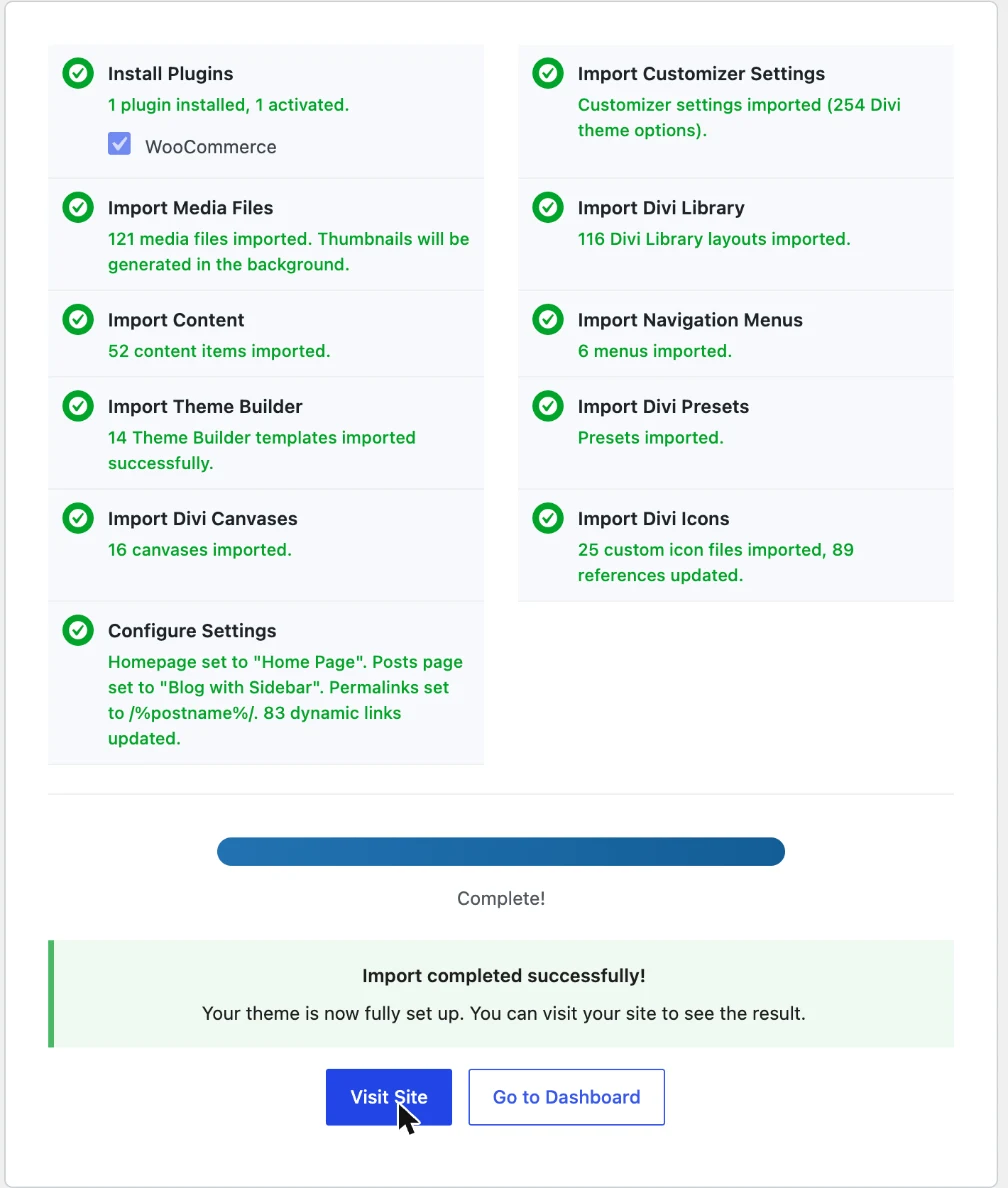
The step-by-step setup guide covers everything, including screenshots.
Already using Milly? Here's what to do
The update is free for Milly owners. If your license is already active, you'll see the update notice in your WordPress dashboard, so just update Milly like any other theme. Your license keeps working after the update. If your license isn't active, activate your license key (you'll find it in My Account → License keys), or download the new version from your Divi Lover account and replace the child theme manually. The documentation shows how.
Please don't import the new demo on your live website. It's meant for new websites.
Should you migrate your Milly website to Divi 5?
You don't have to migrate right away. Divi 4 keeps getting security and bug-fix updates for at least 12 months after the official Divi 5 release (February 26, 2026), so staying on Divi 4 for a while is a perfectly safe choice. It's worth waiting if your website relies on plugins or third-party Divi modules that aren't Divi 5 ready yet.
When you're ready, update Milly first, then move your website with Divi's built-in Divi 5 Migrator.
Milly 2.0 includes compatibility fixes for existing Milly websites moving to Divi 5. I still recommend making a backup, testing on a staging site whenever possible, and reviewing your key pages after migration. The Migrating to Divi 5 guide has the full checklist and explains how to go back to Divi 4 if you need to.
Can I switch my existing website to the new Milly design?
No, not automatically, and that's on purpose. Your website is full of your own content and changes, and I'd never want an update to overwrite them.
Please don't import the new demo on top of an existing website: it changes your homepage, menus, templates and Divi settings. If you'd love the new Divi 5 design, import Milly 2.0 on a fresh WordPress installation, ideally on a staging domain, add your content there, and switch over when it's ready.
Where to find help
You'll find step-by-step guides in the Milly documentation and the full list of changes in the Milly changelog. Stuck? Open a support ticket in your account and I'll help you out.
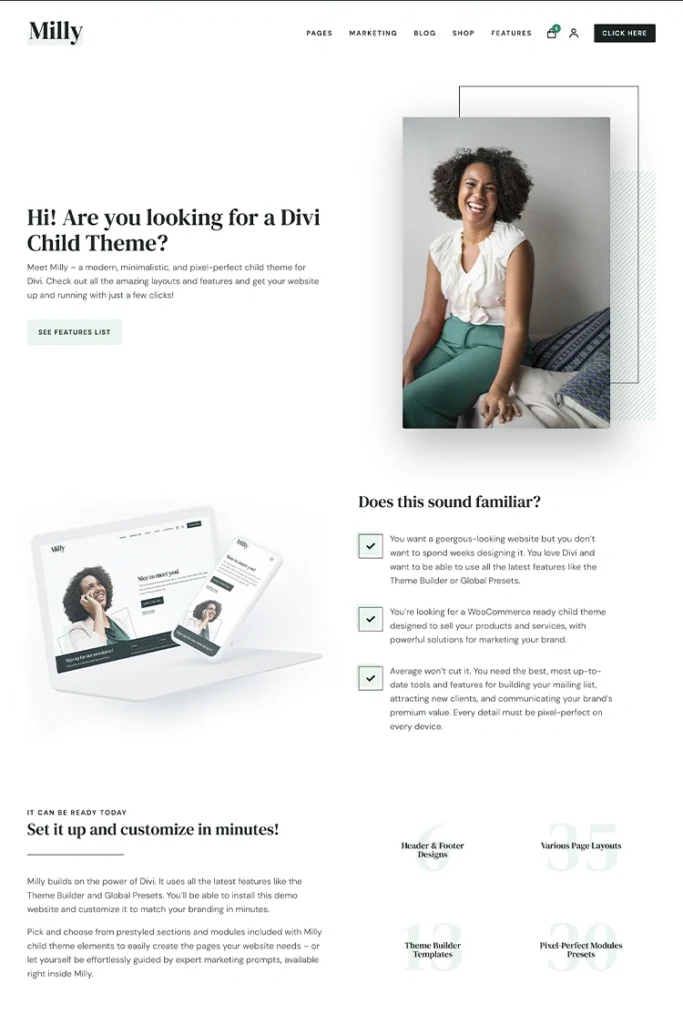
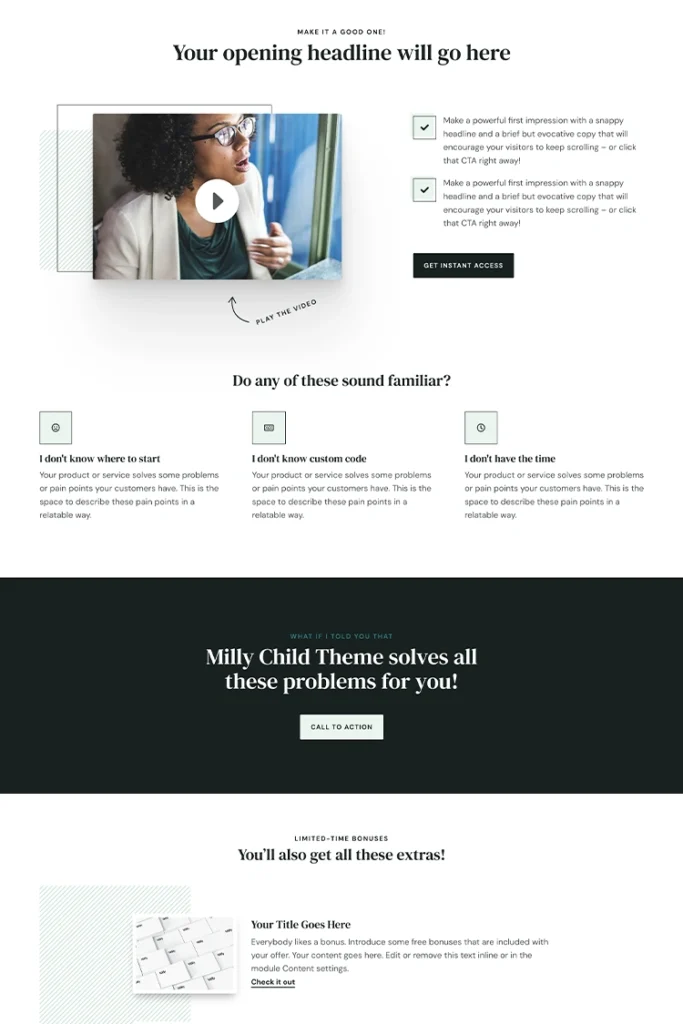
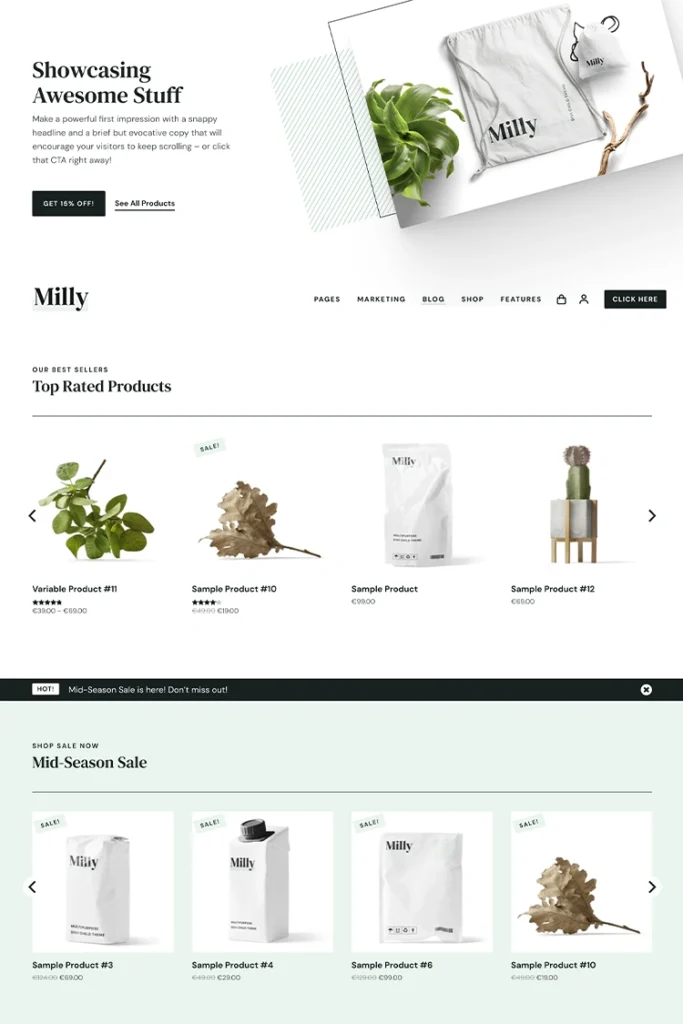
Don't have Milly yet? Take a look at the demo, or see all the details in the shop:
I'm so excited to finally share Milly 2.0 with you. I can't wait to see what you build with it! 💛