Updated for Divi 5: I imported this layout into Divi 5 and it converts automatically. The text-on-hover photos, the sticky call to action and the blurred background behind it all still work, and it still works in Divi 4.
About Us: a full page layout for Divi
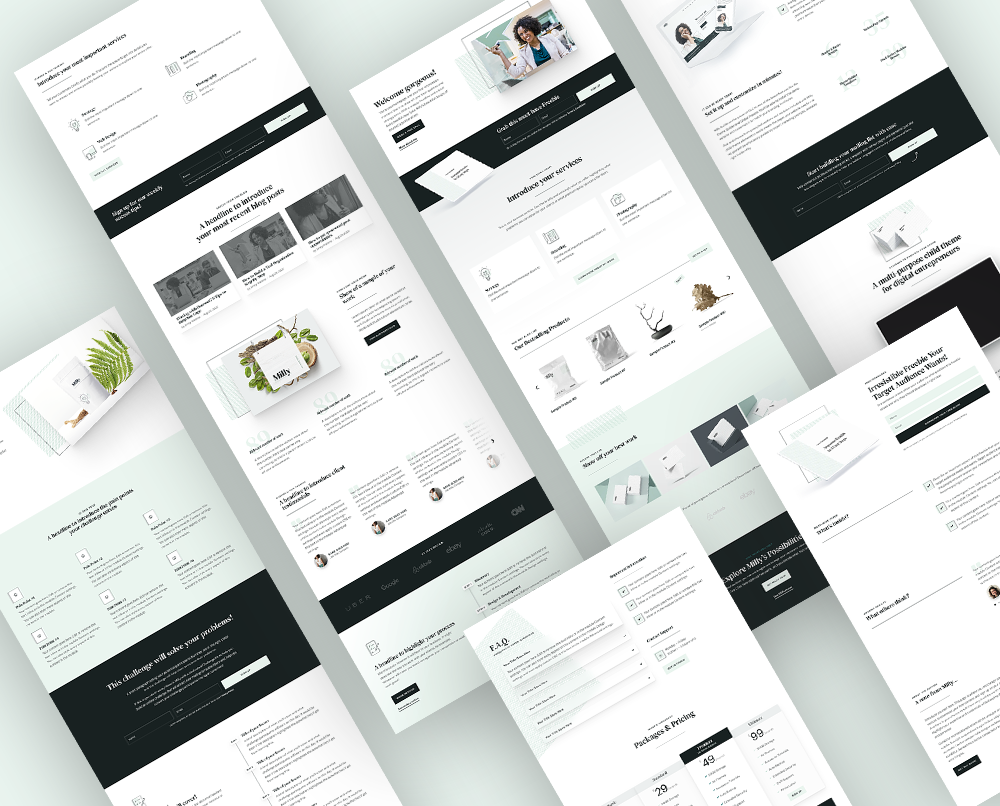
This is a free full-page About Us layout for Divi, made for a small business run by two people together: two bios with photos, what each partner does best, fun facts and a sticky call to action.
Ah, Valentine’s Day. Hearts, chocolates, cute kittens dressed as heart-shaped chocolates… Love is in the air 🙂 And while this fluffy, pink, glittery vibe is very nice, it doesn’t get to stick for the rest of the year, right? That’s why this freebie, my Valentine’s Day present for you, is couple-themed, but can also be safely used all year round!
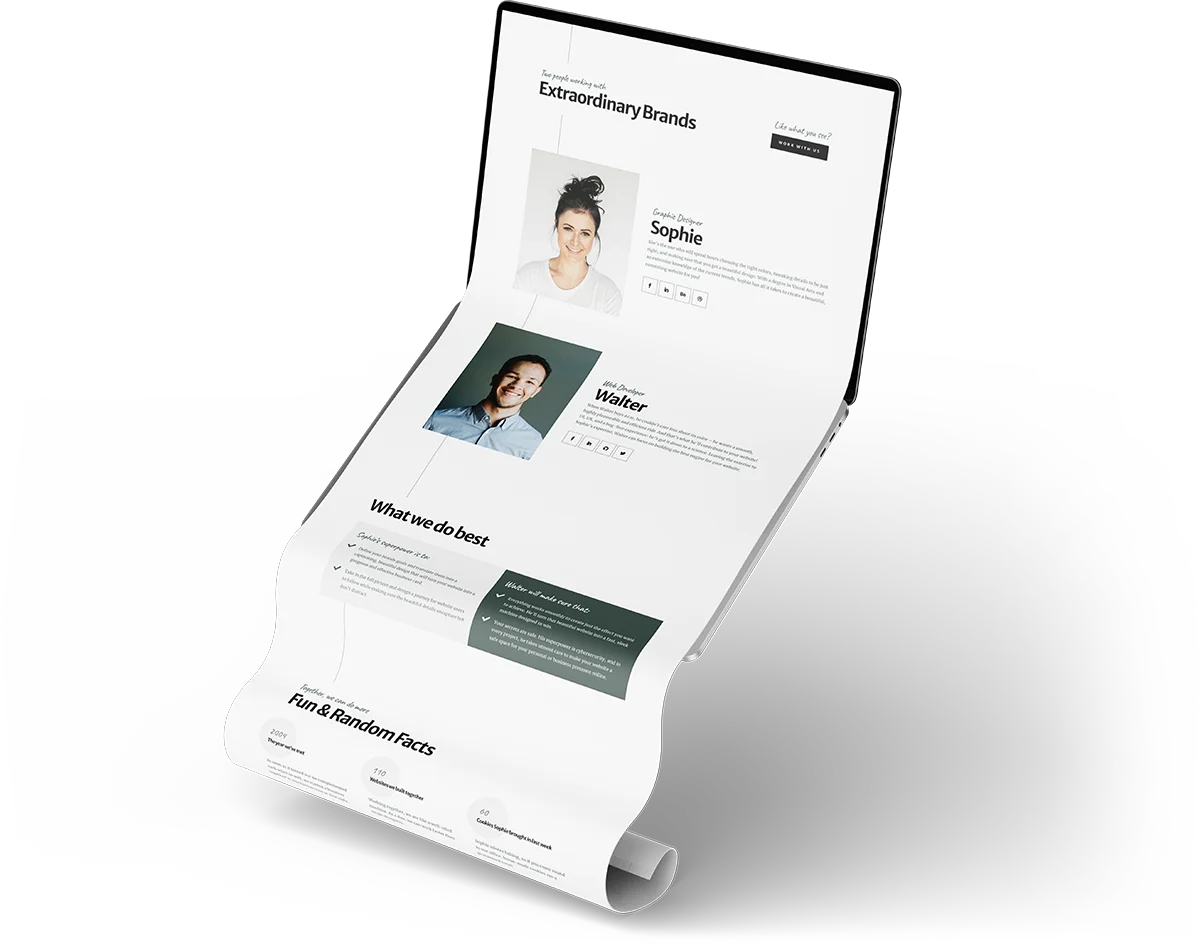
Want to see the whole page first? Check out the live preview.
Free download
About Us Business Couple Page Layout
An About Us page layout for a business run by two people, with hover mottos, fun facts and a sticky CTA. Works in Divi 5 and Divi 4.
Get the free downloadWho is it for?
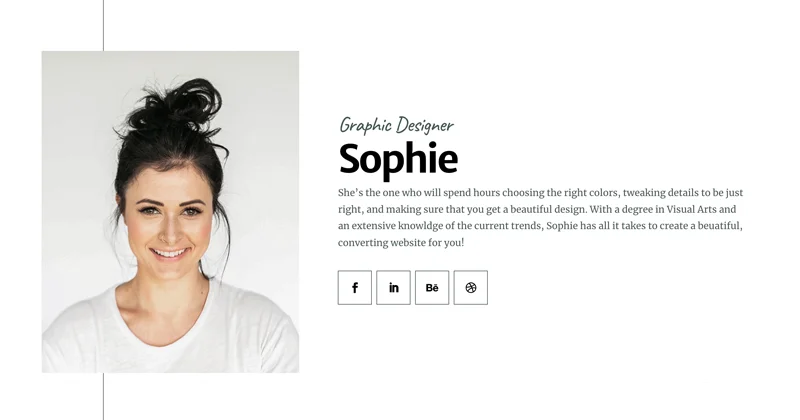
This layout is made specifically for any small business run by two people together. In the layout demo, you can see I chose a web design business as the example. It is run by Sophie, who is responsible for the designs, and Walter, whose job is coding those designs.
Of course, this layout is very versatile, and all you need to do to personalize it is change the pictures and the written content! The look is clean and professional, no hearts or fluffy bits, and the message this layout is sending is Together in Business.
The layout’s highlights
The colors are simple and minimalistic, giving off a very professional, clean vibe, and the layout uses plenty of white space so the two people stay in focus. These are the parts that make it special:
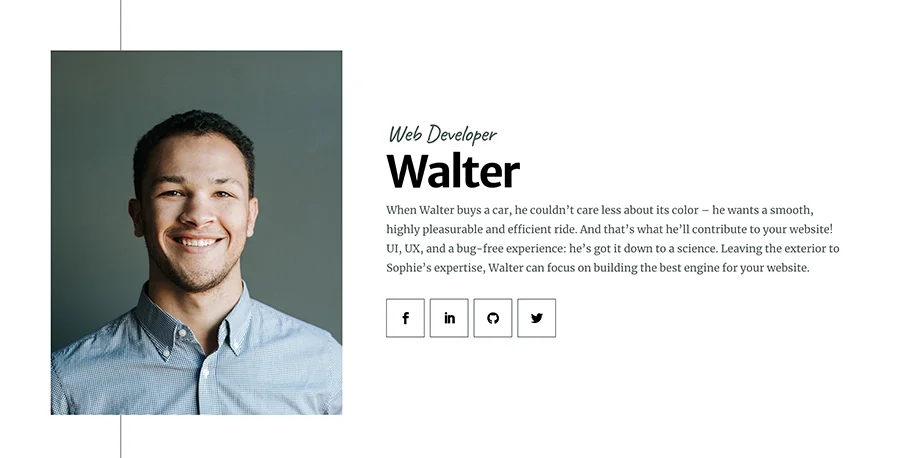
Photos that show a motto on hover
The two focal points with more color are the images, which also contain an interesting hover effect: they display text on hover. This fun effect can be used to add a personal touch to each photo, like a motto or a fitting quote.
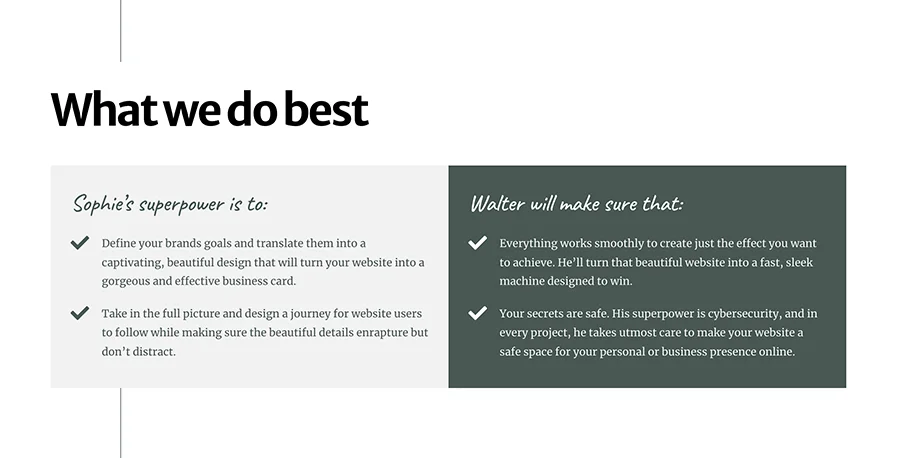
What each partner does best
Other sections include the service section, where each partner’s strengths are highlighted. This isn’t a cold, formal business offer: in this section, again, I focus on the partners’ personalities and the benefits each of them brings into the company.
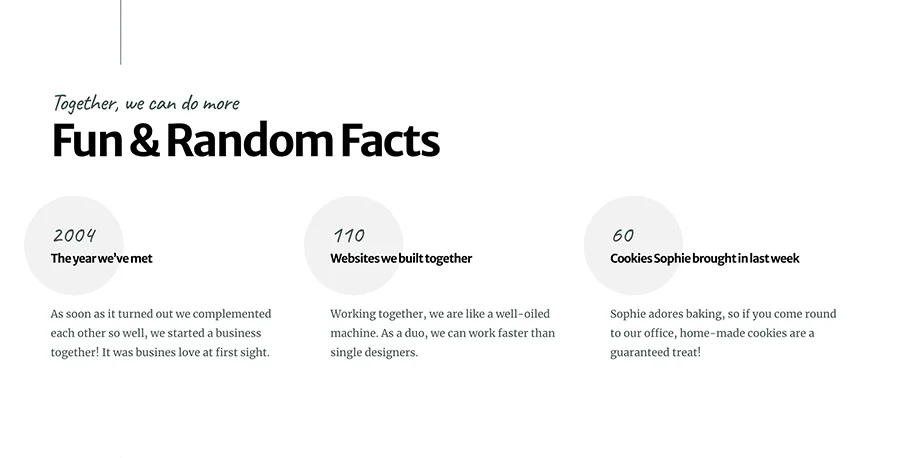
Fun & Random Facts
There is also the Fun & Random Facts section, which is exactly what it sounds like. There is space for three facts, each with an animated number counter.
A sticky call to action
I used Divi Scroll Effects to create a fixed call to action, which will ensure that no website visitor will miss the point of this page: to hit that button and hire our couple for a job! (Or do whatever else you intend your visitors to do.) The blurry background effect is achieved with a tiny bit of custom CSS (backdrop-filter: blur(5px)). In Divi 5 you’ll find the sticky setting in the column’s Advanced → Scroll Effects → Sticky Position, the same place as in Divi 4.
Plenty of white space makes this design light and airy. This way, all the important elements come to the fore. Most of all, the layout highlights the partners’ personalities and how well they work together.

How to import the About Us layout in Divi 5
Unzip the download and import About_Us_Business_Couple.json on a page with the Divi Builder: Divi 5 converts the Divi 4 layout automatically.
- Create a new page and click Edit With Divi.
- Open the gear menu in the top-left corner of the builder and choose Import (in Divi 4: the Portability icon in the page settings bar → Import).
- Choose the .json file, click Import and save the page.
- Replace the photos, names, bios, mottos and facts with your own.
The custom CSS (the hover text overlay, the vertical centering of the bios, the counters and the blurred call to action background) is in a Code module labelled “CSS Code”. You can move it to Page Settings → Advanced → Custom CSS or to your child theme stylesheet if you prefer.
This is a page layout, so import it on a page. If Divi shows the “This file should not be imported in this context” error, here’s how to fix it.
Use it however you want!
The entire layout is optimized for mobile devices, so it will look pixel-perfect on tablets and smartphones! No need to optimize it yourself: all you need to do is add your own images and text, and voila! Your perfect Business Couple About Us page will be ready.
Check out the layout demo, then download the JSON file for free and use it as you want, for your website or for your clients’ websites!
What do you think you’ll use the layout for? Let me know in my Divi Lovers Facebook group!