Updated for Divi 5: the examples now use my current Divi 5 child themes, and there's a new checklist of what to check before you buy, starting with Divi 5 support.
There are many advantages to using a Divi child theme. For one, it will cut the time of designing a new website in half since a good theme will have everything you need: a set of pre-designed pages and sections, global customization functionality, and often additional features that would normally take a lot of time to code with custom CSS. Whether you want to design just one website or want to speed up your client web design work, a Divi child theme is a great choice.
But with so many options on the market, you might find it difficult to pick the right one. In this article we will tell you how to choose a Divi child theme that will be best for your project.
Two kinds of child themes: one-purpose and multipurpose
Divi child themes are either one-purpose (designed for one type of website, like a restaurant or a photographer) or multipurpose (designed to work for many kinds of websites). Which one is better depends on your project.
There are many criteria that could be used to divide premium child themes into categories, but we will focus on the purpose. (If you're still deciding between a child theme and a layout pack, read the difference between a premium Divi child theme and a layout kit first.)
The Divi Theme can be used to build practically any website (and with the use of custom code, the sky is the limit). But Divi child themes come in levels of specialization. It is dictated by necessity because while designing a theme, the web designer needs to choose a certain direction to make the theme coherent and well-organized.
One approach is to create a child theme for a narrow variety of projects, for example, a theme that is most suited for websites displaying photography and art. Another approach, the one I took with Milly, is to make the theme suitable for a wide variety of projects.
Neither is better, but depending on your needs, you will probably choose one over the other. So here are their characteristics and key differences to help you pick the best option for you.
One-purpose Divi child themes: pros and cons
A one-purpose child theme is easy to set up and already fits your industry, but it can feel limiting when your project needs more than what's typical for that type of website.
As the name indicates, a one-purpose premium child theme was designed with one purpose in mind (or a few very similar ones). Such a theme's narrow specialization has many advantages. For one, it will be easy and straightforward to customize. That is because a well made one-purpose theme will be specifically crafted to be perfect for one type of website. It will have everything that website needs: nothing less, nothing more.
It will not overwhelm you with options. You don't need to choose the perfect page from among dozens, because you will only have a few purposefully crafted pages to choose from.
This sort of theme may also be better geared toward your brand. It will be specifically designed for a certain type of project, thus creating the fitting branding from the start. Some customization might be necessary, but for example, you might not have to fiddle with fonts, because they will be well picked to suit your specific industry.
This sort of theme is perfect if you're intending to only build this one website or if you have more than one client from a certain industry. Having a child theme with pages and sections dedicated to your specific purposes should speed up your work by a lot.
On the other hand, the narrow specialization might be limiting. If your project goes beyond the scope of what's common in the industry, for example, you won't be likely to find ready-made options in a one-purpose child theme.
For examples, check out the Elegant Themes Marketplace. If you scroll through child themes, you will quickly notice the one-purpose products. They will usually state the type of industry they are designed for: roofing, restaurant, real estate etc.
My Identity child theme sits closer to this end too, though not tied to one industry: it's a one-page portfolio theme, made to showcase your work and personal brand.
Multipurpose child themes: pros and cons
A multipurpose child theme can grow with your website and works for many kinds of projects, but it comes with more pages, sections and options to learn.
As you can infer from the name, a multipurpose child theme can be used for building various kinds of websites. There will be some limitations here as well, so typically, a multipurpose child theme will come with information about what kinds of websites it is intended for.
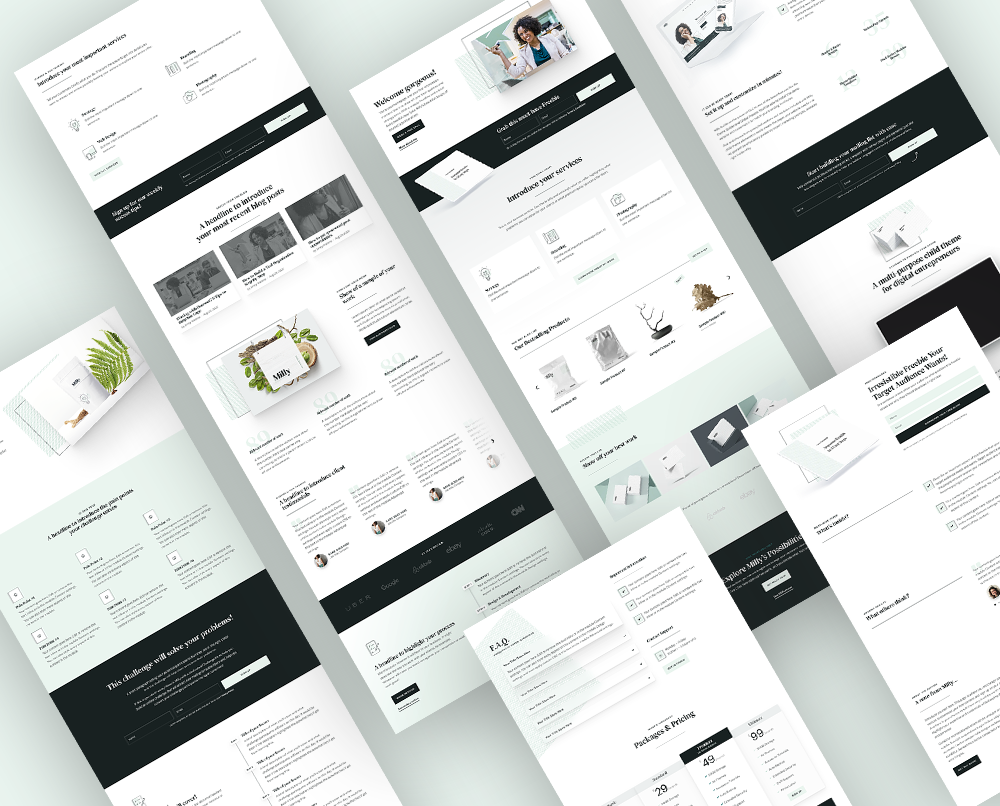
As an example, my Milly child theme is perfect for a freelancer's portfolio, for a coach's website, an agency website, and an online store among others, or some kind of fusion of all these. For this to be possible, Milly comes with over 30 pages, Theme Builder templates, and a massive library of pre-styled sections in the Divi Library.
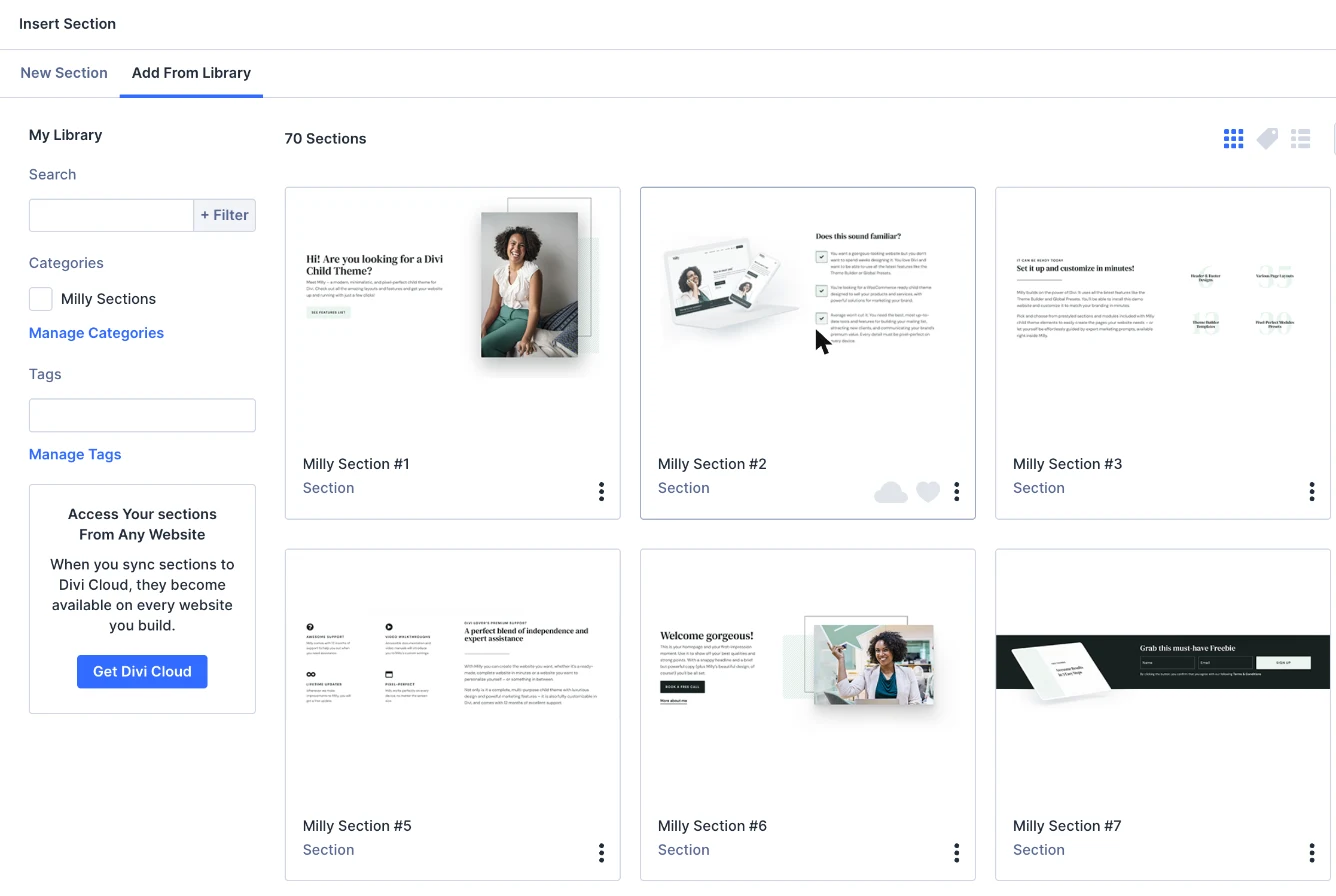
That means you can customize the website in almost unlimited ways, whipping up pages that will be perfect for your brand.
Another advantage is that your website can grow as your business grows. If you start out with a simple portfolio page and want to add WooCommerce functionality later on, you won't have to get a new theme or redesign everything: Milly will have you covered.
But it comes with a downside, as well: you might feel overwhelmed by all the options. There are also custom features on top of the Divi options so, for example, Milly comes with custom preloaders and its own options in Divi ➜ Theme Options, plus ready-made popups and sliders. You might need some time to familiarize yourself with these features.
That is why Milly is a perfect choice for someone who already has some experience with Divi and wants to build a website with a big potential for growth, or a web designer who builds websites for clients and needs a child theme that can be used to kickstart various types of projects.
For more examples, take a look at the Divi Lover shop.
What to check before you buy a Divi child theme
Whichever kind you choose, check that the child theme is made for Divi 5, that you like the demo, and that it comes with documentation, updates and support.
- Divi 5 support: Divi 5 can convert Divi 4 layouts, but custom features in a child theme's code need updates from its author. Look for a theme that says it's built for (or updated for) Divi 5.
- The demo: click through every page on desktop and on your phone. That's what you'll start from.
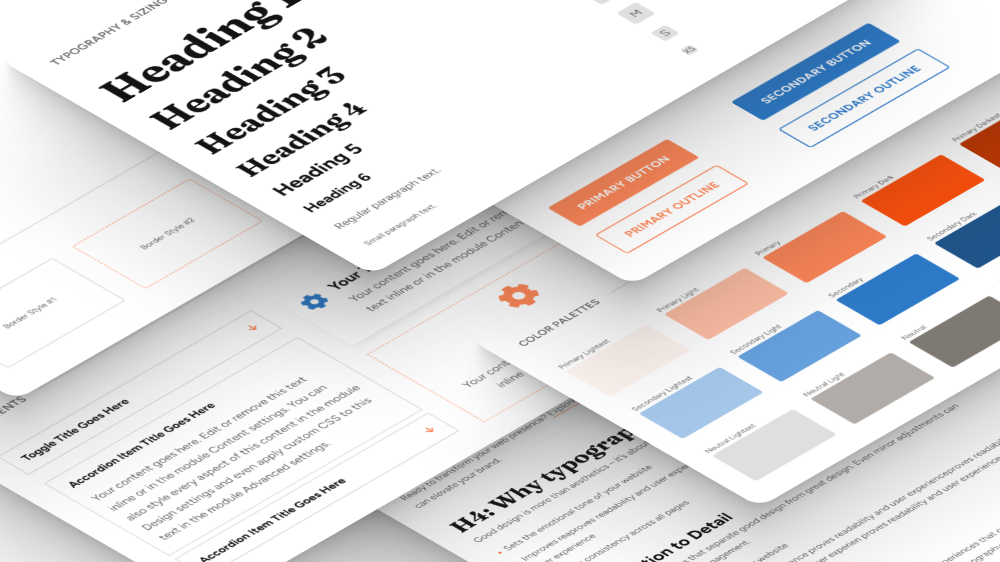
- Global styles: check that you can change colors and fonts once for the whole site (Divi 5 global colors, fonts and presets) instead of page by page.
- Installation: a one-click demo import saves you a lot of time.
- Documentation, updates and support: you'll want help when you get stuck, and updates when Divi changes.
- License: if you build websites for clients, check how many sites you can use the theme on.
Final thoughts: how to choose a Divi child theme?
Pick a one-purpose child theme when your website fits one industry and you want it ready quickly, and a multipurpose one when you need flexibility or build different kinds of websites for clients.
Of course, you need to look at multiple aspects while choosing the perfect premium child theme for yourself. But I hope this discussion will help you narrow down your search and make it easier!
If you're using a child theme or thinking about it, which type do you prefer and why? Tell us in my Divi Lovers Facebook group! And if you're new to child themes, start with my Divi child themes beginner guide.