Updated for Divi 5: Everything below still applies, and it got even better: Divi 5 can turn any section, row, column or group into a loop, so ACF content can fill custom post listings, not just single fields. I added a quick Divi 5 how-to at the end.
How can dynamic content transform your Divi workflow?
Dynamic content fills Divi modules with data from WordPress (post titles, featured images, custom fields) instead of text you type in the builder, so you design a layout once and the content updates itself.
Dynamic content is a game-changer, especially when working with Divi. Not only does it simplify your design process, but it also adds value to the services you provide for your clients. Whether you're looking to save time, create more seamless content updates, or stand out from the competition, dynamic content is the key to taking your workflow to the next level.
Here are three reasons why you should integrate dynamic content into your Divi workflow right now.
1. Offer more than the competition with custom client dashboards
With Advanced Custom Fields and Divi dynamic content, clients update their content in simple WordPress forms while your design stays untouched.
In a competitive web design market, standing out from the crowd is essential. One of the best ways to do that is by offering your clients something extra: custom dashboards. With the use of the Advanced Custom Fields plugin and Divi dynamic content, you can create personalized dashboards where clients can update their content without ever touching the design. Imagine the value you're bringing to the table when clients realize they don't need to call you for every small update.
These custom dashboards empower your clients to manage their content while keeping your design intact, freeing you up to focus on bigger projects instead of minor updates. You'll not only impress clients with this streamlined solution but also boost client retention by providing them with a practical and easy-to-use tool.
2. Provide a more intuitive and user-friendly content management system
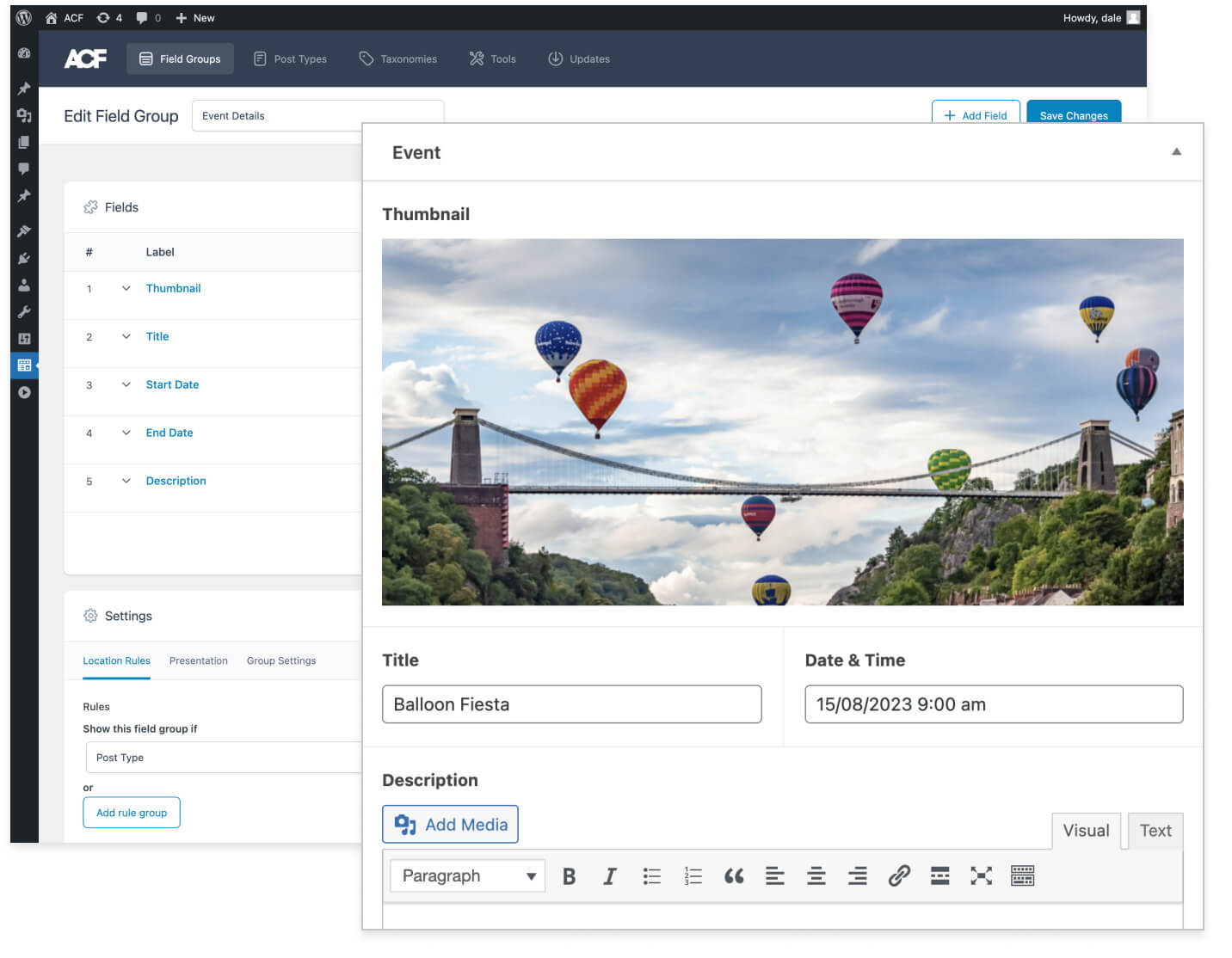
Custom fields turn content editing into a short, labeled form, which is much easier for clients than editing pages in a page builder.
A user-friendly experience isn't just about the front-end design; it's about how easy it is for clients to manage their content behind the scenes. Dynamic content allows you to create an intuitive system where clients can quickly and easily update their website. No more complicated backend interfaces or confusing menus.
By offering a content management system that's easy to navigate, you're not just making your life easier, but you're also giving clients the freedom to handle updates without frustration. When clients feel confident and empowered, they're more likely to be satisfied with your services, and to recommend you to others.
3. Ensure design integrity with foolproof content management
When clients edit fields instead of modules, they can't accidentally move, restyle or delete parts of your layout.
One of the biggest fears for web designers is clients accidentally breaking the design when updating their content. Dynamic content eliminates this worry. By setting up the right templates and custom fields, clients can update text, images, and more without ever touching the layout or design elements.
With dynamic content, you have full control over the design while allowing clients to make updates safely. This not only preserves the aesthetic and functionality of the site but also minimizes the need for clients to rely on you for minor changes, saving everyone time and hassle.
How to use dynamic content and ACF in Divi 5
Create your fields in ACF, connect module fields to them with the Dynamic Content icon, and use a Loop (Content tab ➜ Loop) when you need a repeating list such as team members or testimonials.
Show a custom field in a module
- Create a field group in ACF and choose where it appears (for example on a page, a post type or a custom post type you made for the client).
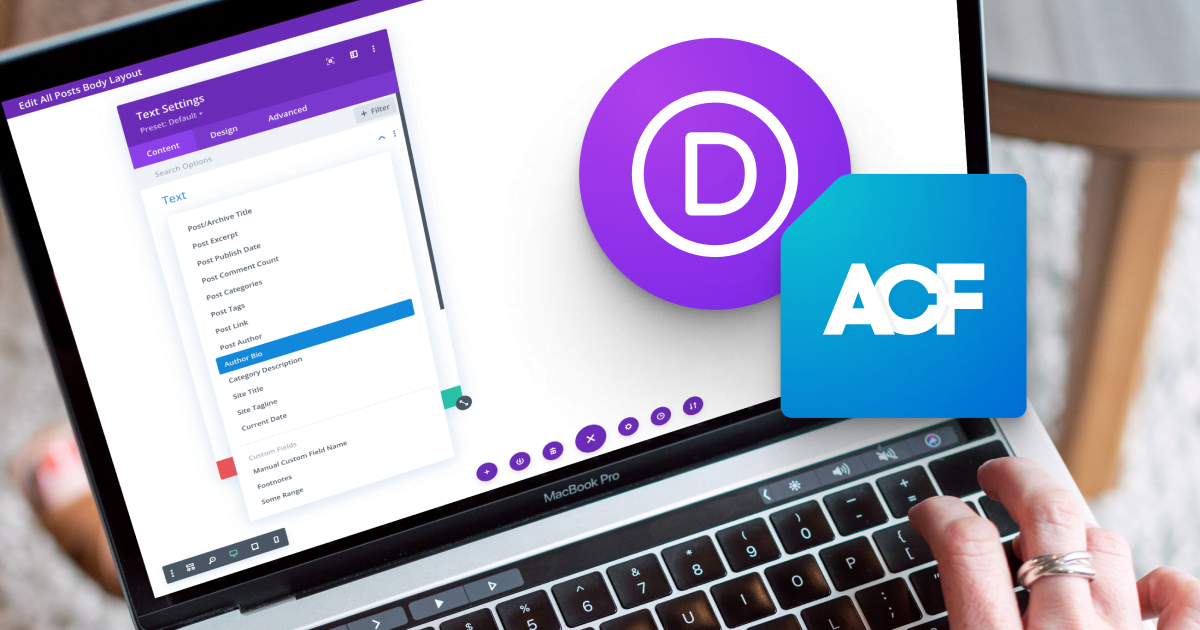
- Open a Divi module, hover over a field (a heading, text, image or link) and click the Dynamic Content icon.
- Pick your custom field from the list. The module now shows whatever the client types into that field.
Build a list with the Loop Builder
- Select the section, row, column or group that should repeat, and open Content tab ➜ Loop.
- Switch on Loop Element, then choose the Query Type and Post Type (for example a "Team" custom post type) and how many items to show.
- Fill the modules inside with Loop dynamic content such as Loop Post Title, the featured image or your ACF fields. Divi repeats the element for every item.
Divi 5 can also loop through the rows of an ACF repeater field (repeaters are part of ACF PRO), which is great for things like FAQs or pricing features that belong to one page. And for custom post types, a Theme Builder template with dynamic content gives every single item the same design.
In Divi 4, dynamic content works in single module fields only: lists of posts still need the Blog or Portfolio modules or a plugin.
Final thoughts
Dynamic content is worth adding to your workflow because it saves you time, gives clients an easier way to edit, and keeps your design safe.
Integrating dynamic content into your Divi workflow isn't just about making your job easier: it's about offering better service to your clients. By providing custom dashboards, an intuitive content management system, and foolproof design protection, you're setting both yourself and your clients up for long-term success. Whether you're a seasoned web designer or just starting, now is the time to use dynamic content to stay ahead of the competition.
P.S. Want to start offering these dynamic content solutions to your clients?
Check out our Divi Dynamic Content Course, where you'll learn step-by-step how to build custom dashboards, create dynamic templates, and offer intuitive content management systems to your clients.