Updated for Divi 5: I wrote this update in November 2025, while Divi 5 was still in beta. Since then, Divi 5 has left beta, Canvas has been rebuilt as Base, Milly and Identity 2.0 support Divi 5, and Divi Toolbox is at version 1.9. You'll find a short Update note in each section below, and the latest details in the documentation.
Divi 5 is coming, and if you're anything like me, you've been both excited about the possibilities and wondering what it means for your existing sites and tools.
Here's the full, transparent update on what's happening with Divi Lover products as Divi 5 rolls out. Before we get into specific products, let's start with the philosophy guiding all these decisions.
Our approach: built for Divi 5, not just migrated
We rebuild our products to work the way Divi 5 works (Flexbox and Grid, global variables, presets) instead of only converting the Divi 4 versions.
After months of testing and building with Divi 5, one thing became clear: we don't want to simply migrate our products. We want to build them properly.
Divi 5 introduces genuinely new capabilities: new layout structures, a global design system, improved performance. To help you make the most of these, our products need to be designed from the ground up to work the way Divi 5 was meant to work.
This doesn't affect existing projects: those will migrate just fine using Elegant Themes' official migration tool. But for new work, for projects starting fresh in Divi 5, we want to give you tools that fully utilize what's possible.
That philosophy shapes everything below.
Divi Toolbox: fully compatible with both Divi 4 and Divi 5
Divi Toolbox works on both Divi 4 and Divi 5 websites.
Let's start with the good news: Divi Toolbox 1.8 is now officially compatible with both Divi 4 and Divi 5.
If you're already using the Toolbox, the update is ready for you. Whether you're working in Divi 4 now and planning to migrate later, or starting fresh in Divi 5, the Toolbox will work seamlessly either way.
Update (November 2026): Divi Toolbox 1.9 improves Divi 5 support further, for example Divi Library layouts used by the Toolbox now keep their own styles, presets and global colors in Divi 5. See the Divi Toolbox changelog.
Canvas: being rebuilt for Divi 5
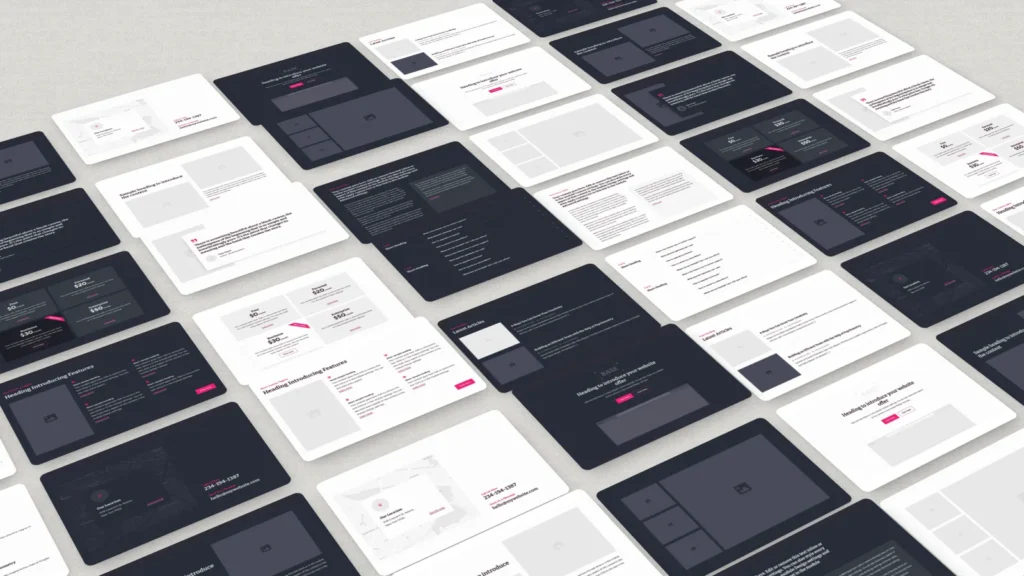
Canvas was rebuilt from scratch for Divi 5 and is now called Base.
Canvas is the first product where the decision is clear: it will be rebuilt from the ground up for Divi 5.
This is exactly what I meant about building properly for Divi 5 rather than just migrating. Yes, Canvas sections can technically be imported from Divi 4 into Divi Cloud and used in Divi 5 right now, but that's a workaround, not utilizing Divi 5's potential.
All Canvas sections will be recreated to fully take advantage of Divi 5's new Flexbox and Grid possibilities, as well as global variables and the global design system. This isn't a port or migration: it's a complete rebuild using what Divi 5 can actually do.
A few important notes:
- If you purchased Canvas, you'll automatically get access to the new Divi 5 version when it's released.
- For existing sites running Canvas, you can migrate them using Elegant Themes' official migrator.
- We're targeting Q1 2026, waiting until Divi 5 is officially out of beta.
Update (November 2026): Canvas is now Base: 207 sections in 14 categories, each in a light and a dark version, with a one-click Base Installer plugin. If you bought Canvas, Base is included and waiting in your account (Canvas, the Divi 4 version, stays there too). See the Base documentation, which also has a step-by-step guide for migrating Canvas websites to Divi 5.
Identity and Milly: exploring our options for Divi 5
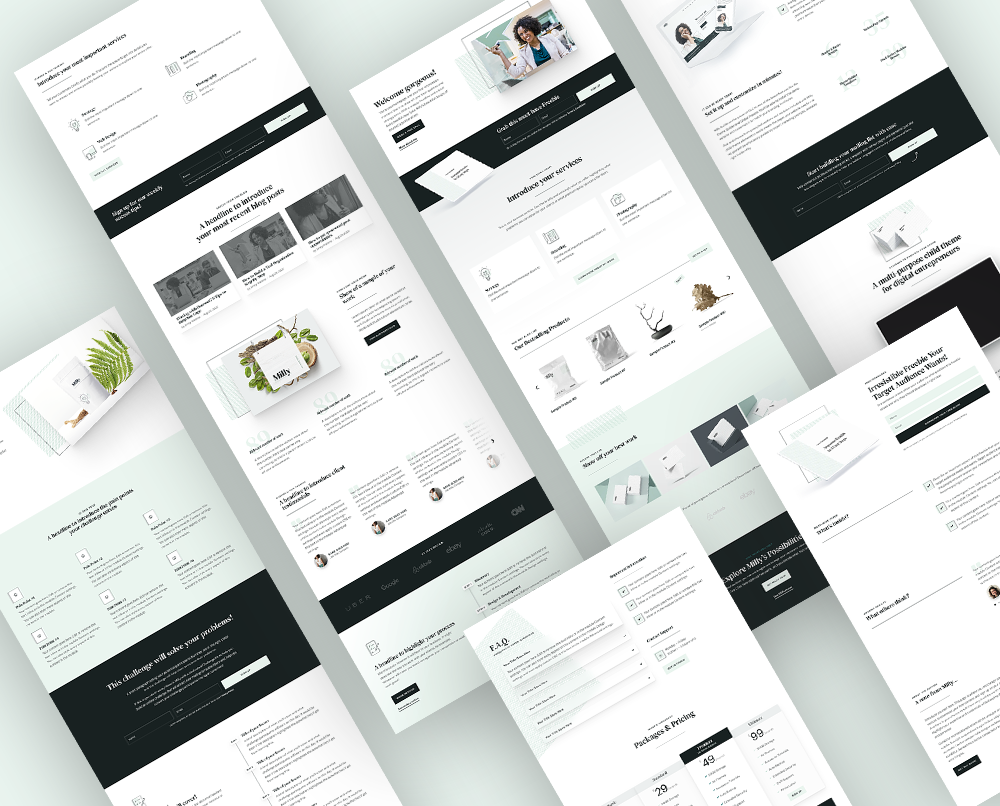
Identity and Milly 2.0 now support Divi 5. Both stay child themes with a new demo built natively for Divi 5, and one package works on Divi 4 and Divi 5.
The two newest child themes we built with Divi 4 (Identity and Milly) are already utilizing newer features such as presets and Theme Builder, so they're worth bringing forward with that same "built for Divi 5" approach.
But we're still figuring out the best way to do it.
What we know for sure:
- We will support the migration process from Divi 4 to Divi 5 for existing sites using these themes.
- If you purchased the current version, you'll automatically get access to whatever Divi 5 solution we create.
What we're still determining:
- Whether they'll remain child themes or become layout packs.
- Whether they can be installed fresh on new Divi 5 projects, or only migrated from Divi 4.
- Right now there isn't a reliable way to import child themes into Divi 5, so we're waiting to see how that develops and what options make the most sense.
We're actively exploring our options and will update you once we have a clearer picture of what's possible and what will work best.
Update (November 2026): Milly 2.0 and Identity 2.0 are out. They stay child themes, with a new demo built natively for Divi 5 (global colors and fonts, presets, Flexbox and Grid) and a one-click demo importer for fresh Divi 5 websites. Existing 1.x websites keep their design after the update, and the 2.0 versions include fixes for websites migrated from Divi 4 to Divi 5. The update is free for existing customers. Details in the Milly changelog and the Identity changelog.
Legacy products built for Divi 3 are being discontinued
Our Divi 3 child themes and the B3 Multimedia themes and plugins are not rebuilt for Divi 5 and are no longer sold, but they keep working on the websites that use them.
This is the harder part to write, and probably harder to read if you purchased one of these.
The child themes we created for Divi 3 (which continued to work in Divi 4), Meetly, Cleanly, Gardenly, Ally, Girly and the themes from B3 Multimedia: Bruno, Zara, SEO Monster, Marvel, DiviEstate, and Polygon, will not be rebuilt for Divi 5. Additionally, two B3 Multimedia plugins, Divi Icons and Testimonial Slider, will not be updated for Divi 5.
Here's why:
The kind of complete rebuild I described above (starting from scratch to properly utilize Divi 5's capabilities) isn't realistic for every product. The Divi 5 architecture is fundamentally different from Divi 3. These products would need to be completely recreated, not updated.
We spent a long time thinking about this decision. It's not one we made lightly. But continuing to support and rebuild products from several years ago would mean we can't focus on creating new, modern tools that actually take advantage of what Divi 5 can do.
A few important notes:
- If you purchased any of these products, you still have lifetime access to download them from your account.
- They will continue to work on existing Divi 4 sites and should migrate successfully when you use Elegant Themes' migration tool (once it's fully stable).
- The B3 plugins should continue to work after migration thanks to Elegant Themes' backward compatibility framework.
- But for new projects starting on Divi 5, these products are no longer the right starting point.
- They are no longer available for purchase.
Update (November 2026): Customer accounts have moved to the new divilover.com. If you only bought products that are now discontinued, your account wasn't moved: you can still download them from your previous account.
If you loved one of these themes, you can absolutely continue using them on your existing sites after migration. But for new projects starting fresh on Divi 5, they're simply not the right foundation anymore.
These products have served well over the years. If you purchased them when they first launched, you've likely gotten far more value than the one-time payment. Products have lifecycles, and this is simply the natural progression as Divi evolves. What you have will continue to work, and we're moving forward to build tools that make better use of what Divi 5 can do.
New layout packs and starter templates built for Divi 5
New Divi Lover layout packs and templates are designed for Divi 5 from day one, not adapted from Divi 4.
This is where it gets exciting. With Divi 5's new architecture, we'll be able to build things that weren't possible before: cleaner code, faster performance, more flexibility.
Brand new layout packs and starter templates are coming, designed from day one to take advantage of Divi 5's capabilities. Not adapted. Not migrated. Built specifically for how Divi 5 works.
Update (November 2026): Base is the first of them. Browse everything that's available now in the shop.
Migration recommendations for existing Divi 4 websites
Every Divi 4 website moves to Divi 5 with Elegant Themes' official migration tool, and you should always test it on a staging copy first.
As Divi 5 introduces a completely new architecture, all existing Divi 4 websites will eventually need to go through the official Divi 5 Migration Tool, including sites using our products.
Our current recommendation: Please wait.
Divi 5 isn't officially released yet, and the migrator is still getting important bug fixes. If you want to experiment or preview the process, feel free, but only on a staging copy. Your live website deserves stability and zero surprises.
Update (November 2026): Divi 5 is officially released now. My advice: back up your website and run the migration on a staging copy first. The documentation for Milly, Identity and Base includes a step-by-step migration guide.
Questions you may be asking right now
Here are the answers to the questions I got most often after this announcement.
Can I still use my old child theme after upgrading to Divi 5?
Yes. Your existing sites using legacy child themes will continue to work after migration using Elegant Themes' official migration tool. The "built for Divi 5" philosophy I mentioned above is about new projects: giving you tools designed specifically for Divi 5's capabilities. Your current sites should migrate without issues.
Should I buy Identity or Milly now if I'm planning a new project?
If you're starting in Divi 4, yes. We'll ensure the migration to Divi 5 works properly for these themes. However, if you want to start fresh directly in Divi 5, these themes aren't ready for that yet: we're still exploring the best approach.
Update (November 2026): Milly 2.0 and Identity 2.0 can be installed fresh on Divi 5, with a one-click demo importer. If you're starting a new website, I recommend building it on Divi 5.
When will Canvas for Divi 5 be available?
We're waiting until Divi 5 is officially out of beta. Assuming no delays from Elegant Themes, we're targeting Q1 2026.
Update (November 2026): It's here, under a new name: Base.
What this means for you right now
Existing Divi 4 websites can keep running as they are, and new projects can start on Divi 4 or Divi 5 with any of our current products.
If you're using our products on existing Divi 4 sites:
Hold tight. Continue as normal. We'll support you through migration when Divi 5 is officially released and the migrator is stable.
If you're planning a new Divi project:
- Starting in Divi 4: You can use any of our four current products (Divi Toolbox, Canvas, Identity, Milly). When you're ready to migrate to Divi 5, we'll make sure that process works smoothly.
- Starting in Divi 5: Divi Toolbox 1.8 is ready now and will help with default styling and additional functionalities just like it does in Divi 4. Canvas, Identity, and Milly Divi 5 versions are still in development.
Update (November 2026): All four are ready for Divi 5 now: Base, Milly, Identity and Divi Toolbox.
Want to stay updated?
Join my newsletter to be notified about new Divi 5 layouts, tutorials and product updates (it also unlocks my free resource library).
Quick summary
The core message: we're building for Divi 5 properly, not just migrating. Here's everything in one place (as of November 2025):
- Divi Toolbox 1.8 is fully compatible with both Divi 4 and Divi 5, ready to use now.
- Canvas will be rebuilt from scratch for Divi 5 (targeting Q1 2026) with full Flexbox, Grid, and global variables support. If you purchased it, you'll get the new version.
- Identity and Milly are being evaluated for the best Divi 5 approach. If you purchased them, you'll get access to whatever solution we create.
- Legacy child themes (built for Divi 3) and B3 Multimedia plugins (Divi Icons, Testimonial Slider) are discontinued for new purchases.
- New Divi 5-native templates and layouts are in development.
- Hold off on migrating live sites until Divi 5 is officially released and the migrator is stable.
Update (November 2026): Divi Toolbox 1.9, Base (formerly Canvas), Milly 2.0 and Identity 2.0 all work with Divi 5, and Divi 5 is officially released.
We'll keep you posted as Divi 5 matures and as we build out the next chapter of Divi Lover resources. If you're wondering what this all means for your site, don't hesitate to reach out: we're here to help you navigate the transition with confidence.