Updated for Divi 5: Divi now does a lot of what used to need a child theme (Theme Builder templates, popups with Interactions and Canvases, global colors and fonts with design variables and presets), so this guide now focuses on what still makes a premium child theme different from a layout kit.
The Divi Builder is used by people who want to build their own websites and don't have much knowledge about CSS and HTML. But its phenomenon is that it is also used by professional web designers and agencies who build Divi-based WordPress websites, products, and plugins for their clients.
If you want to start a Divi website faster, you'll quickly find two kinds of ready-made designs: premium Divi child themes and Divi layout kits (also called layout packs). Here's how they differ.
What's the difference between a Divi child theme and a layout kit?
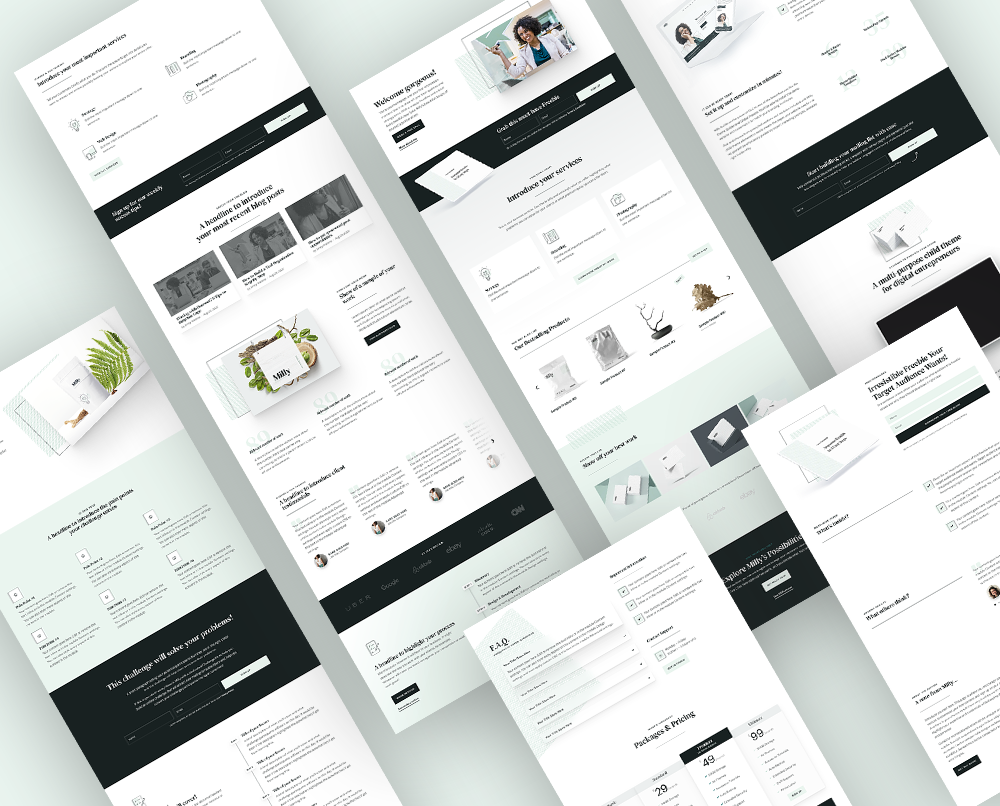
A premium Divi child theme is a complete website design that you install as a theme on top of Divi, while a layout kit is a set of page or section layouts that you import into the Divi Builder or the Divi Library. A child theme brings pages, Theme Builder templates, global styles and often its own settings and code; a layout kit brings designs you can use on any Divi website, with any theme setup.
- Child theme: installed in Appearance ➜ Themes, one per website, often with its own options, features and automatic updates.
- Free layout kit: premade layouts from Elegant Themes, loaded page by page into the Divi Builder.
- Premium layout kit: a library of pre-styled sections (sometimes pages) from a designer, imported into the Divi Library and used anywhere on your site.
Premium Divi child themes
A premium Divi child theme gives your website a complete, consistent design out of the box, which you then customize with Divi instead of building everything from scratch.
The often-repeated slogan is that you can customize the Divi Theme without writing a single line of code. Practically, it is only true to some extent. To give your Divi-based website a truly unique, very detailed, and consistent design, you need to be able to use CSS, or hire someone to customize the theme for you. There is also a third possibility: you can buy a premium Divi child theme.
There are professional web design studios which create Divi child themes. It is simpler and cheaper than building a website from scratch, and it allows web design laypeople to customize the theme for their needs. You can find top-class child themes for every type of business and industry.
A child theme is also much cheaper than having a website made from scratch, and the possibilities are very similar. Premium Divi child themes give you an amazing value for money.
Divi 5 can do a lot on its own, but a premium child theme gives you all of it designed, connected and ready to use. Let's take a look at what you get!
A complete set of pages and templates
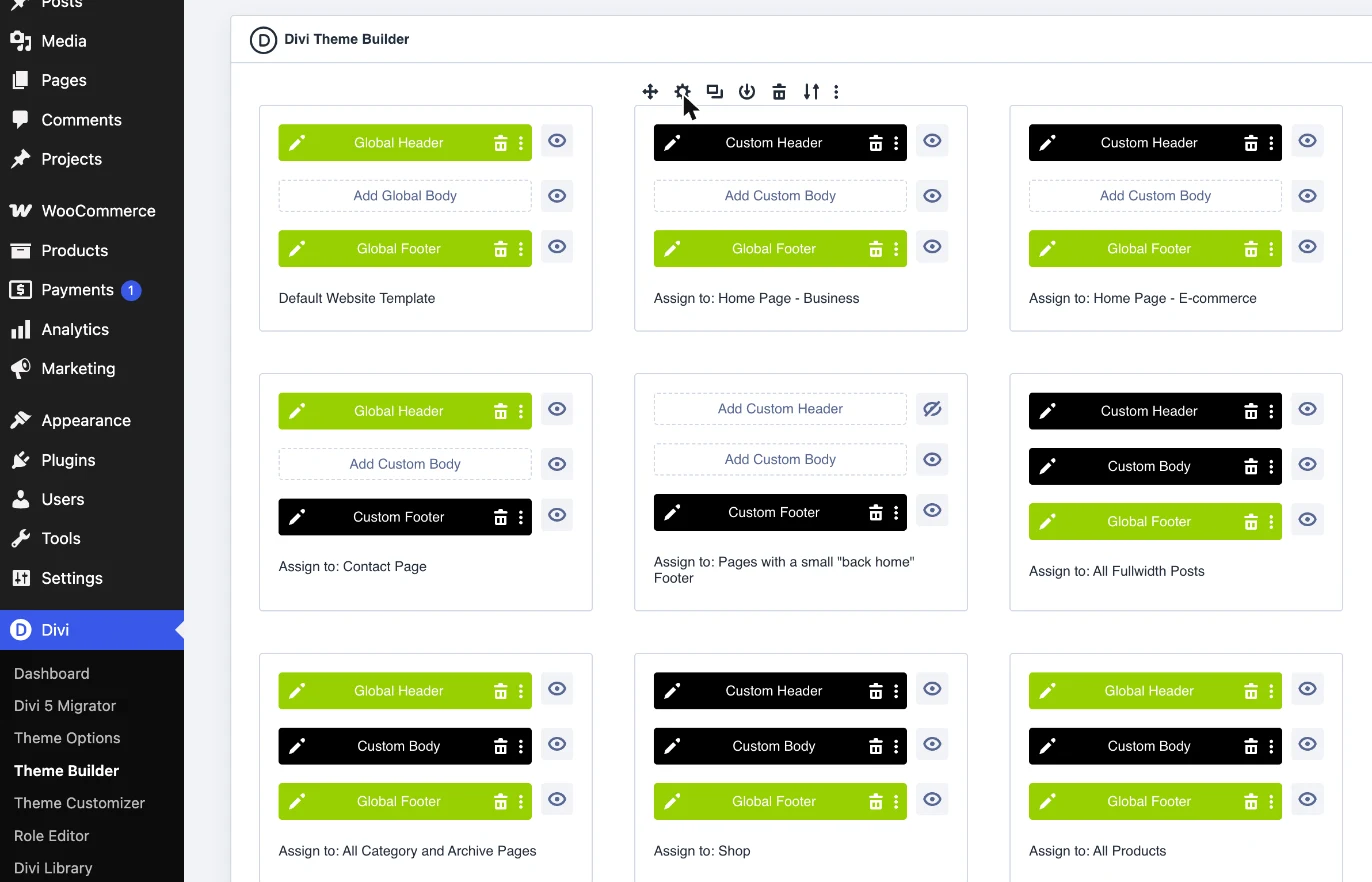
A child theme comes with ready-made pages and Theme Builder templates for the header, the footer, blog archives, single posts and more. You can choose which header appears on which pages (for example, a transparent header over a hero image on the home page and a normal one everywhere else), and the footer is global, so you change it once for the whole site.
Popups and creative menus
Add to the menu a button opening a popup window, or a full-screen menu. In Divi 5 you can build popups natively with Canvases and Interactions; a child theme gives you ready-made, designed ones that you only need to fill in, and you can still display whatever you want using the unlimited Divi Builder possibilities.
Want to build one yourself? Here's my tutorial on Divi popups without plugins.
Beautiful hover and scroll animations
Custom hover animations make a website look cooler and more interactive. Can you have an attractive website without them? Of course, you can! But what's the fun in that?
Premium Divi child themes often take months of hard work to create. Web designers who build them pay attention to the smallest details to make the user experience fabulous. If you want to dazzle your website guests, you need beautiful custom elements such as the hover animations.
Custom blog layouts
If you want your blog to truly stand out, premium Divi child themes often offer custom blog layouts. You can use pre-styled archive, category, and author pages, as well as a styled single post page, all as Theme Builder templates.
Global color and font edits
A good Divi 5 child theme is built on Divi's global colors, fonts and presets (Divi 5 calls them design variables), so you change your brand color or font once, and the whole website follows. With layouts that don't use them, you'd make the color and font settings on each page separately, and this can add up to a pile of work!
Extra theme options and features
The Divi Theme Options allow you to customize your website. Some premium child themes have additional options based on the custom functions of the child theme. For example, you can choose from a selection of custom preloaders, or switch the child theme's extra effects on and off. Remember that not all premium child themes offer this bonus.
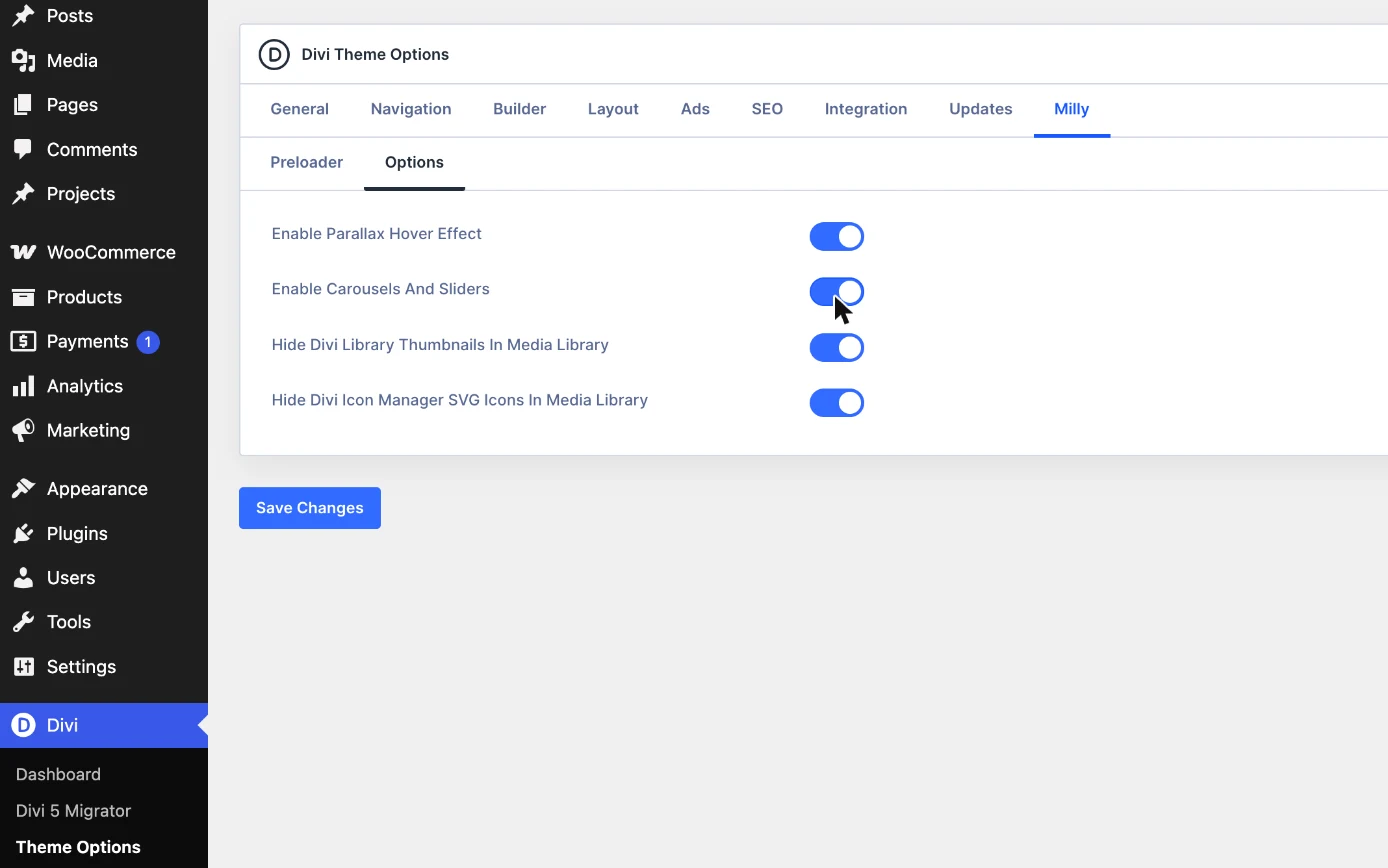
Different premium child themes have different options. Also, each Divi web designer has their own style. A child theme dedicated particularly to your type of business or activity is more likely to have features useful to you. Still, always remember to check out the demo and pay attention to the theme's features, and check that it's made for Divi 5.
Free Divi layout kits
Free Divi layout kits are the premade layouts from Elegant Themes: full-page designs for many kinds of businesses, which every Divi member can load into the Divi Builder at no extra cost.
So, if you consider the fact that in order to use a premium child theme, you also need to have bought the Divi Theme, the layout kits are relatively free. Elegant Themes offer layout kits for various kinds of enterprises, so everyone should be able to find something to fit their needs. Also, the layout library is constantly growing.
In Divi 5, you'll find them in the Insert Layout window, under Premade Layouts (Divi 4: Load From Library ➜ Premade Layouts). Divi also has Divi Quick Sites (Divi ➜ Dashboard), which sets up a whole website from a premade Starter Site, including the menu, Theme Builder templates, styles and presets.
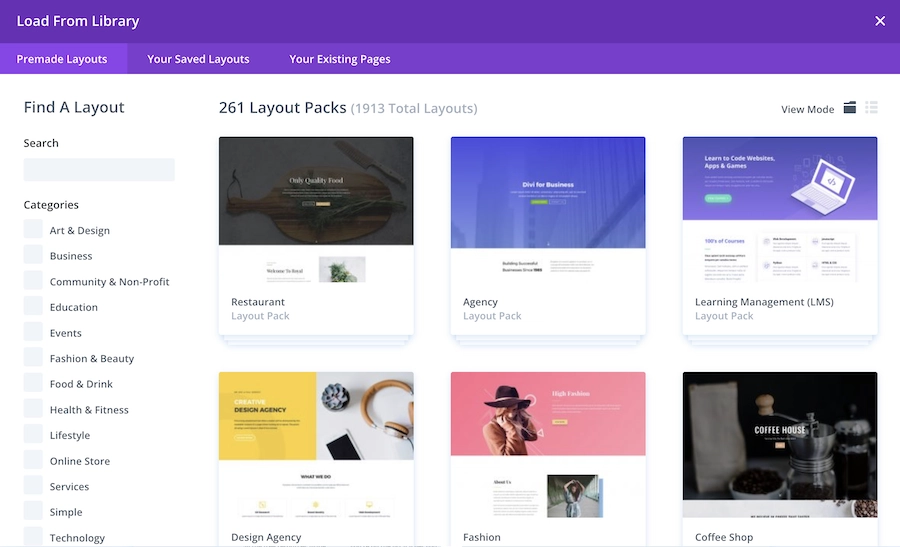
These layouts are quite simple to use. It's top-class design. Using a layout, you can put together an attractive and functional website.
But there are drawbacks, too.
For example, you import and customize each page separately. How much you can change globally depends on whether the layouts use global colors, fonts and presets; where they don't, you need to customize each module separately. It's not that problematic when you only have a few pages, but the more pages you're using, the more tedious work you have to do.
Another feature of the layout kits which can be both a blessing and a curse is the possibility to use elements from different layout kits on one website. Again, it's not much of a problem if you work hard to make the website consistent, customizing each element to fit the overall theme. Also, it may be beneficial if the layout kit you chose doesn't have certain sections which you want to use. But if you don't have enough time or skill to customize each element fully, you run the risk of having your website look inconsistent, and thus unprofessional.
The free layout kits are also quite limited. You don't have as many custom options as a premium child theme offers. If you'd like to have one of the custom features described above, a layout kit won't help you with that.
Premium Divi layout kits
Premium Divi layout kits are collections of professionally designed sections (and sometimes pages) that you import into the Divi Library and add to any page, often with more advanced effects than the free layouts.
You'll find them on the Elegant Themes Marketplace and in my shop. Rather than being full-page layouts, they often contain sections which you can use to construct a page, though not always: some kits are highly specialized, so for example, they will only contain headers or only footers.
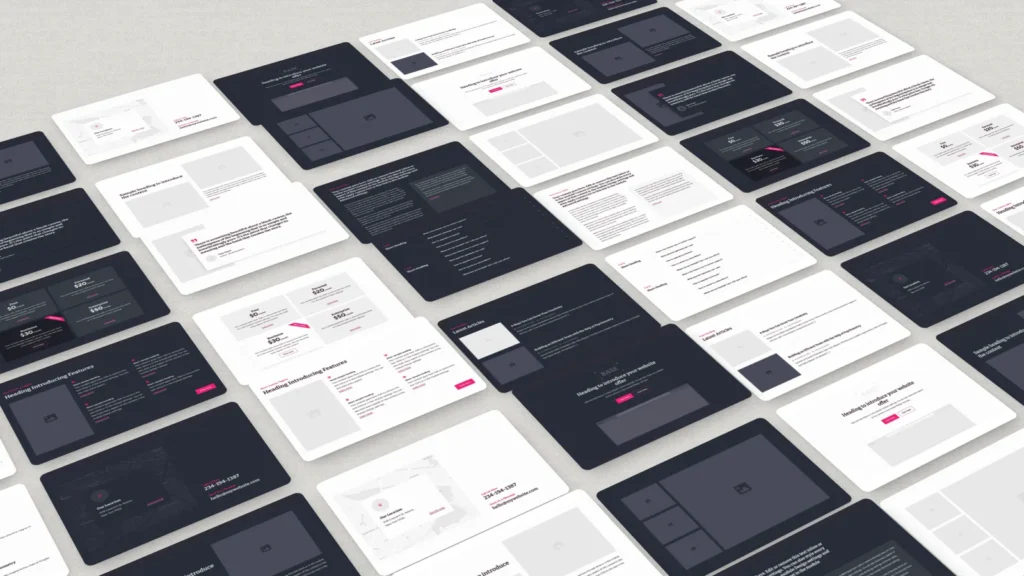
I used a different approach with my layout pack. Instead of containing dozens of sections of just one type, Base, my All-in-One Divi Layout Pack, offers a variety of options in various categories (heroes, features, pricing tables, galleries, FAQs, footers and more), all in one coherent style, which makes it much easier to create a well-rounded project without spending hours on making sure it's stylistically consistent. Its Divi 5 sections use your website's global colors and fonts, so they match the rest of your site as soon as you add them.
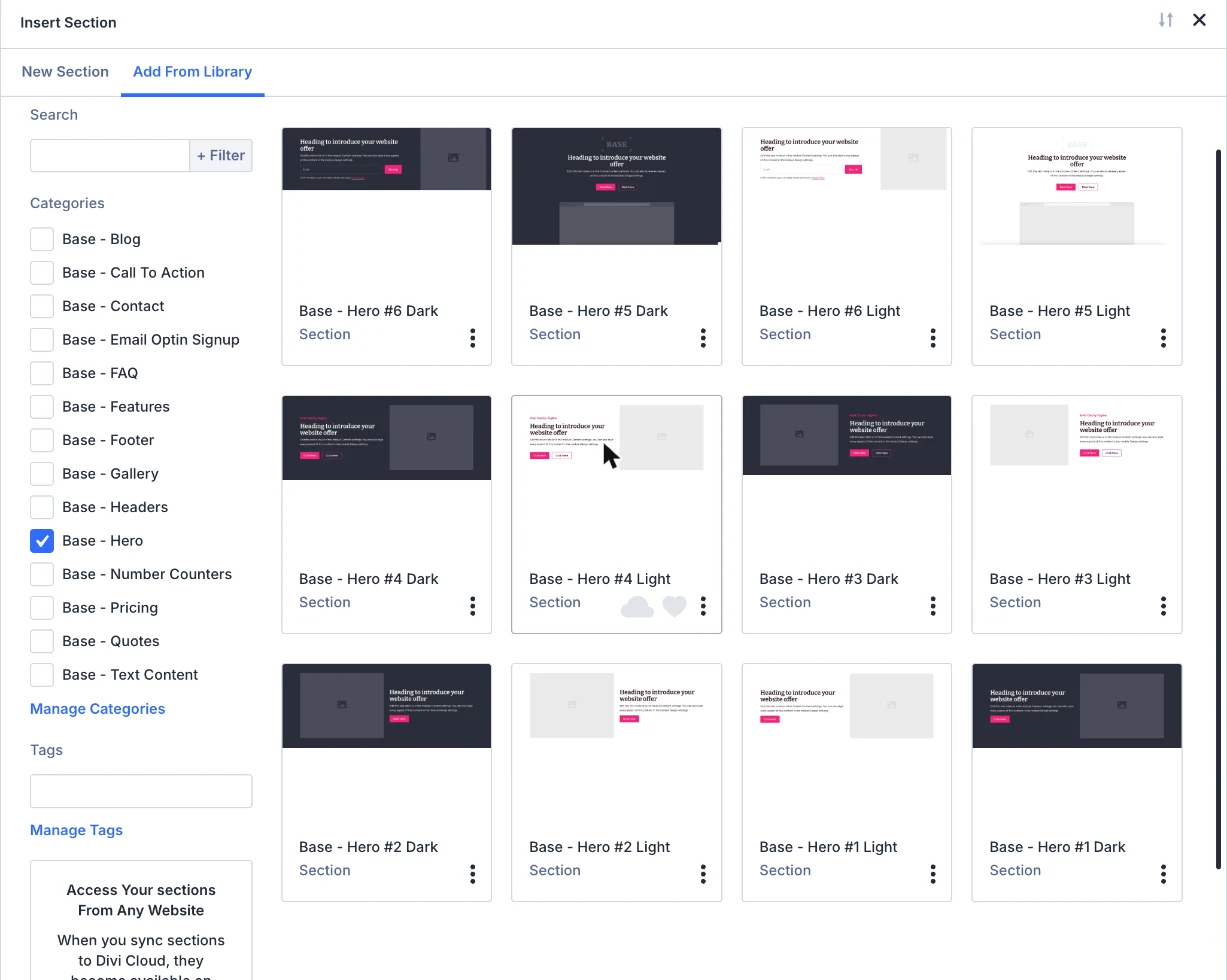
A premium layout kit will be especially useful for web designers who want to speed up their workflow by using professional pre-styled sections. And because a layout kit doesn't replace your theme, you can use it together with a child theme or on a site built from scratch.
Which one should you choose?
Choose a free layout kit (or a Divi Quick Sites Starter Site) for a simple website with a few pages, a premium child theme when you want a complete, consistent website with extra features, and a premium layout kit when you build many sites and want pre-styled sections to mix and match.
If you only need a simple but attractive website with just a few pages, you should definitely try the free layouts! They are free and easy to set up. But if you need something bigger, with unique custom features, get a premium child theme or a premium layout kit. They, too, are easy to use, and designed to save your time and effort. You'll find my Divi 5 child themes and layout pack in the Divi Lover shop.
Want to dig deeper? Read how to choose a Divi child theme and my beginner guide to Divi child themes. And if you have questions, ask them in my Divi Lovers Facebook group.