Updated for Divi 5: I imported the free Black Friday layout into Divi 5: it converts automatically, looks the same and the cursor effect script still runs. After the import, connect your email provider in the Email Optin module (Divi 5 shows the form only then) and set a new end date in the Countdown Timer.
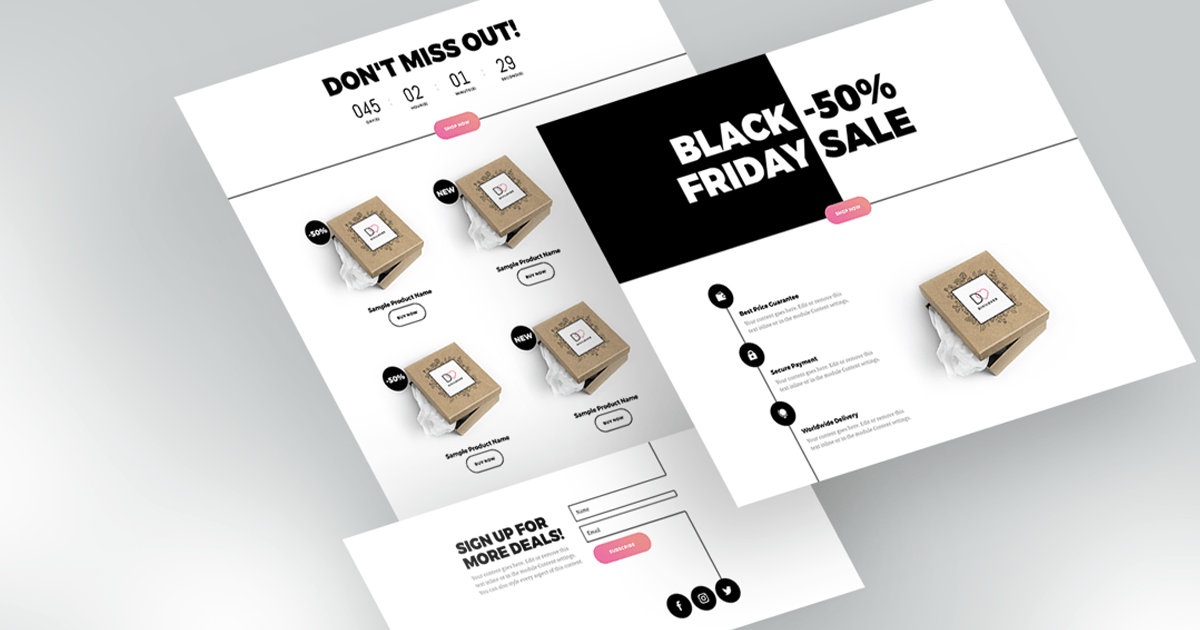
Black Friday is one of the busiest times for sales, and you have put much effort into preparing your Black Friday offers. What you will certainly need is a simple and functional landing page that will allow you to maximize your income.
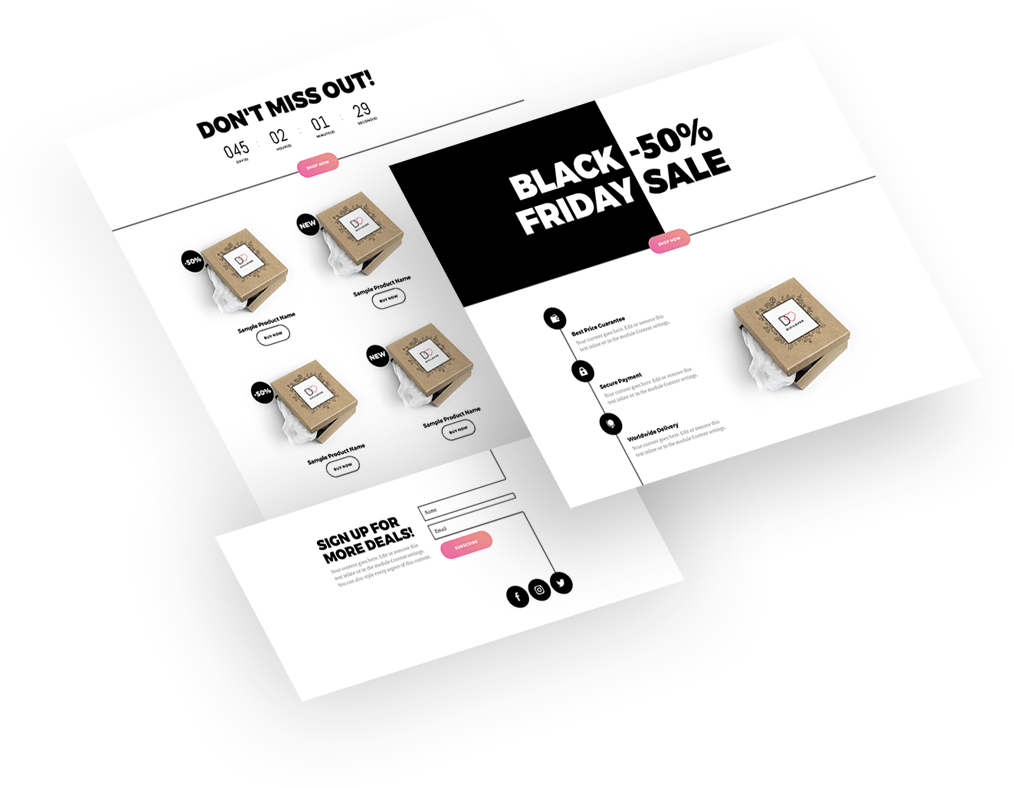
A free Black Friday landing page layout for Divi
And the best part? Our Black Friday landing page is FREE for our subscribers! Take a look at the live preview and download it below.
Free download
Black Friday Landing Page Layout
A complete Black Friday sale landing page with a cursor-effect hero, countdown, product grid and email signup. Works in Divi 5 and Divi 4.
Get the free downloadWhat makes a Black Friday landing page high-converting?
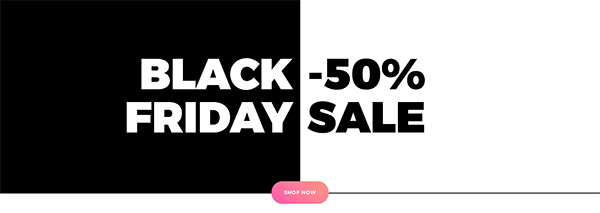
A high-converting Black Friday landing page has one simple message, a sense of urgency, clear benefits, a great mobile experience and a way to collect emails. Discover the 5 key features of the Divi Black Friday Landing Page to find out that it has got all that a simple and effective sales process is about.
1. Keep your message simple
Effective sales translate into a simple buying process for the customer. Effortless and intuitive: these are the keywords. An effective landing page allows an easy customer journey: a clear and engaging CTA guides them exactly where they want to go, to a place where their needs are fulfilled. The layout is intuitive, and all the necessary elements are perfectly visible. Focus on a specific offer: don't give too much choice to ponder on. This will make your message even more appealing.
2. Create a sense of urgency
Tell your customers to get your product right away, no time to lose, or they'll miss it. Add a countdown timer counting minutes to the end of the sale.

3. Highlight the benefits
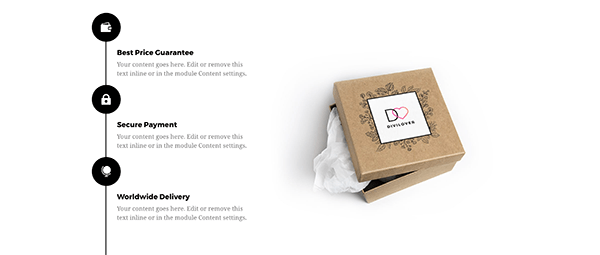
The basic task of your product is to make your customers happy by fulfilling their needs. But there might be more products similar to yours. Your customers must see the benefits not only of the product itself but also of buying it from you. Put them under your customers' nose, let them know that you are the one who offers fast shipping, free delivery, trouble-free return, or free gift wrapping!
4. Focus on the mobile experience
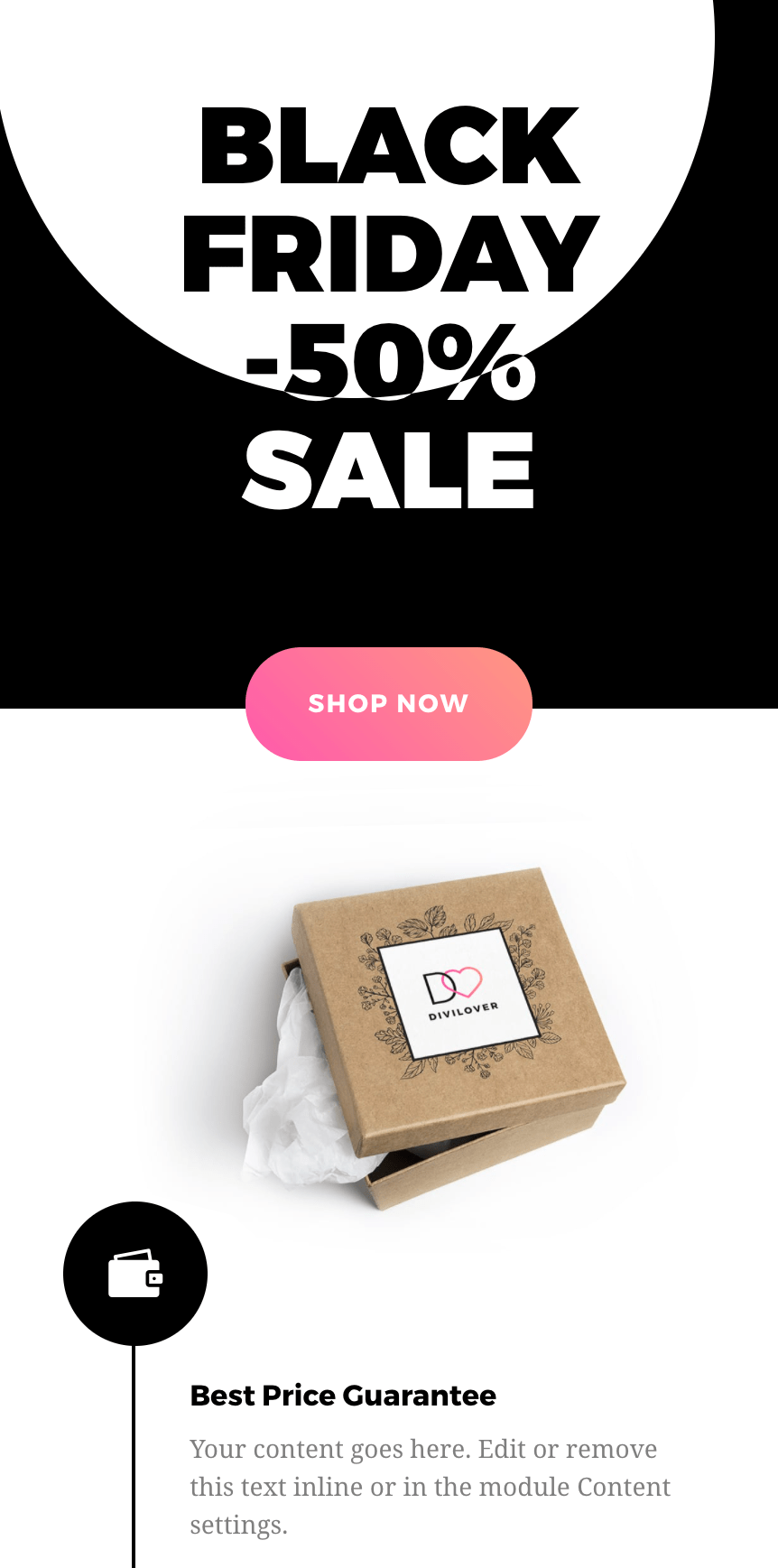
Mobile-friendly design assures that your landing page will be responsive to the growing number of customers that access your website via their smartphones. We kept that in mind designing our Black Friday Landing Page: it compresses and simplifies your info down into a mobile-friendly chunk.
5. Grow your mailing list
You're well aware that you are creating your landing page also to build an email list of your potential future customers? You can exchange your free or discounted offer for an email address of people that will give you permission to market to them. With our Black Friday landing page, you will easily capture emails of visitors when they click through to indicate they're interested, giving you more conversions and making it a great sales page. And a great sales page is exactly what you need now!
How to use the free Black Friday layout in Divi 5
Import the JSON file, then connect your email account, set the countdown date and replace the sample products.
- Unzip the download, open your page with the Divi Builder and import Black_Friday_Landing_Page_by_Divi_Lover.json (Divi 5: gear menu in the top-left corner ➜ Import; Divi 4: the Portability icon). Divi 5 converts the Divi 4 layout automatically.
- Open the Email Optin module and choose your email provider and list in Content tab ➜ Email Account. Divi 5 shows the signup form on the page only when an account and a list are selected.
- Open the Countdown Timer module and set the Date to the end of your sale (the layout still has a 2020 date, so it shows zeros).
- Replace the sample product images, names, labels (-50%, NEW, Most Popular) and the Shop Now / Buy Now button links with your own.
- The cursor and hover effects live in the two Fullwidth Code modules at the top of the page ("jQuery Scripts" and "CSS Styles"). The script waits for jQuery to load, so it works with Divi 5, which loads jQuery in the footer.
Final thoughts
Don't forget to take a look at the layout demo to see the fun hover effects! If you're interested in how we created that Hero Section with the monochromatic cursor effect, read Creating Custom Monochromatic Cursor Effect in Divi.
We always appreciate your feedback, so let us know what you think in my Divi Lovers Facebook group!