The Best Creative 404 Pages

aniaromanska

Written by Ania Romańska

Published on . Last edited on .

The best creative 404 pages

TL;DR

A 404 page is shown when a link is broken or a page no longer exists; a good one keeps visitors on the website.

Popular 404 page motifs are space, cute animals, travel and zen scenes; the most memorable ones fit the brand, like Netflix’s Lost in Space page.

In Divi, a custom 404 page is a Theme Builder template assigned to Other → 404 Page, with a custom body built in the builder.

The Theme Builder steps for a 404 page are the same in Divi 5 and Divi 4.

A helpful 404 page says clearly that the page wasn’t found and offers a way back: a home button, popular links or a Search module.

Updated for Divi 5: This post now ends with a short guide to building your own 404 page with the Divi Theme Builder, which works the same way in Divi 5 and Divi 4. The examples were collected in 2022; the links were checked again in November 2026, and the pages that have changed since are marked.

Why a creative 404 page matters

A 404 page is what visitors see when a link is broken or a page no longer exists. Done right, it keeps them on your website instead of sending them away, and it can become a memorable part of your brand.

A 404 page, if done right, can enhance the user experience of a website and also become a memorable aspect for website users. Some websites even become famous for their cute, entertaining, or creative 404 pages. We’ll show you some examples of the most popular error page motifs, and also some of the most interesting, brand-fitting 404 pages we’ve encountered.

A creative 404 error page from Patreon showing a cute fox floating in space
A cute fox lost in space? That’s what we call a creative 404 page! This was Patreon’s 404 page in 2022 (today Patreon shows a plain “Page not found” page).

Lost in space 404 pages

Space is one of the most popular 404 page motifs, because being lost on a website feels a lot like being lost in space.

Many 404 pages use the metaphor of being lost or off the beaten track, and as the Internet is a cyberspace, an entity as borderless as outer space, this metaphor is rather apt. Being lost on the Web might be just like being lost in space, except that you can get back on track with just one click. Each of the amazing pages we found conveys the cosmic vibes in a different way. See for yourself!


Alien abduction creative 404 page
A fun alien abduction 404 page from Designspace.
Space-themed creative 404 page with a floating llama
Toned down, cosmic vibes in a 404 page from DeviantArt.

Cute animal 404 pages

A cute animal is a safe bet for a 404 page: it’s the Internet, and a cat, a dog or even a hamster will bring a smile to anyone’s face.

This is a type of 404 page which doesn’t necessarily urge the visitors to be on their way. A cute animal may encourage them to stay and catch a breath in their busy day, promoting associations of well-being or amusement.
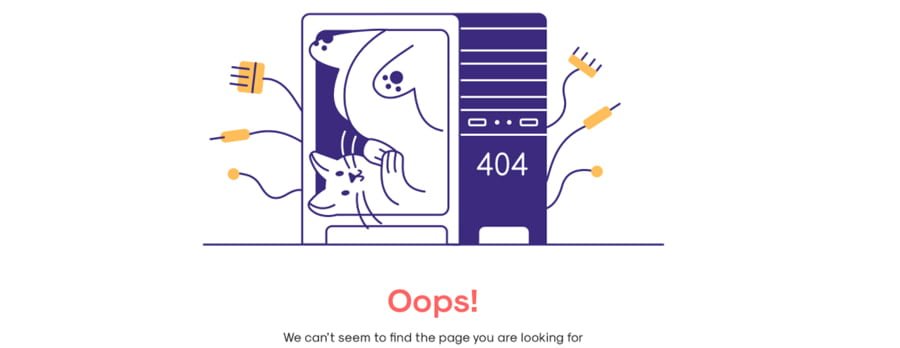
A cute cat in a box creative 404 page design
How to make an error page look cute? Put a cat in a box, that’s how! A creative design by Greg Dlubacz.
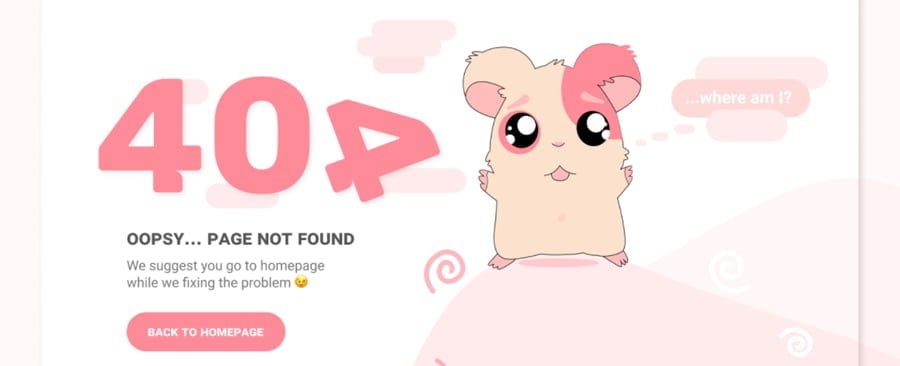
Cute creative 404 page with a pink hamster
A pink, lost hamster is a guarantee of cuteness overload! An endearing 404 page design from Lesya Kovalchuk.
Creative 404 page from Amazon.com with a dog
And who hasn’t heard of the dogs of Amazon? Every time you hit a non-existing URL on Amazon, you’ll meet a new dog.

Travel-themed creative 404 pages

Travel is another popular motif: if a website is a space you travel through, clicking from one page to another, the 404 page is the equivalent of being lost on your way.

The examples we picked feature vivid colors and beautiful imagery. While really eye-catching, these error pages don’t encourage visitors to linger.


Travel-themed creative 404 page
A conceptual, travel-themed 404 page from Fireart Studio.
A conceptual desert island themed creative 404 page
The 404 page as a desert island. A conceptual design by Ekaterina.
Desert travel themed creative 404 page
Another exquisite travel-themed 404 design, this time from Pixeleton.

Zen 404 pages that invite you to catch a break

Some 404 pages don’t rush visitors at all: they invite them to stop for a moment and catch a break.

Enticing with bucolic or fantastic imagery and intriguing concepts, they draw the stray visitor in, offering a moment to stop and wonder. They are definitely on the memorable side and should produce positive associations.
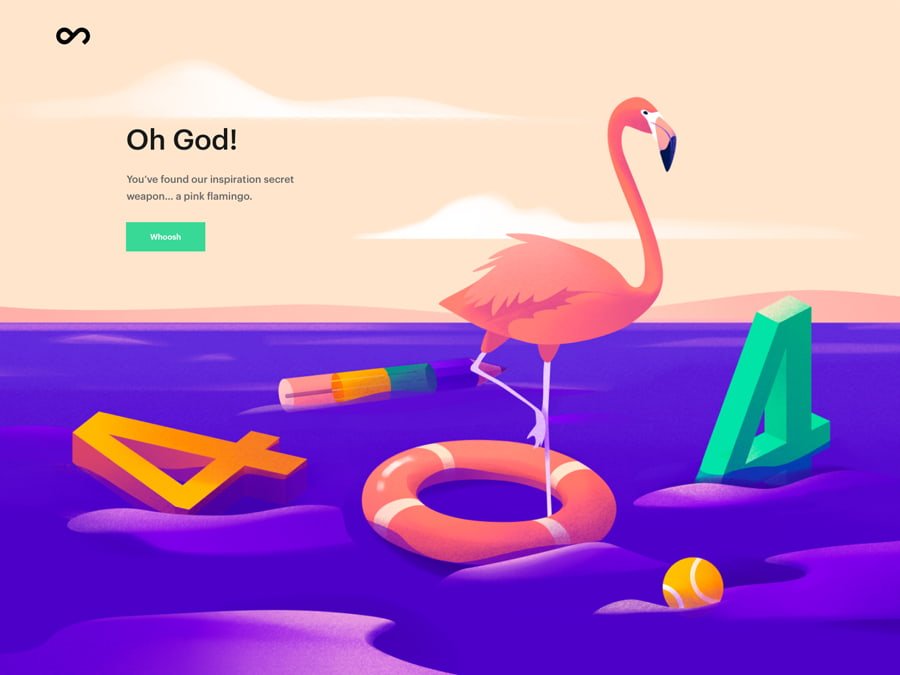
A creative 404 error page with a flamingo
A pink flamingo as a secret inspiration weapon definitely makes you stop and ponder, and maybe catch a creative idea or two. Design by Outcrowd.
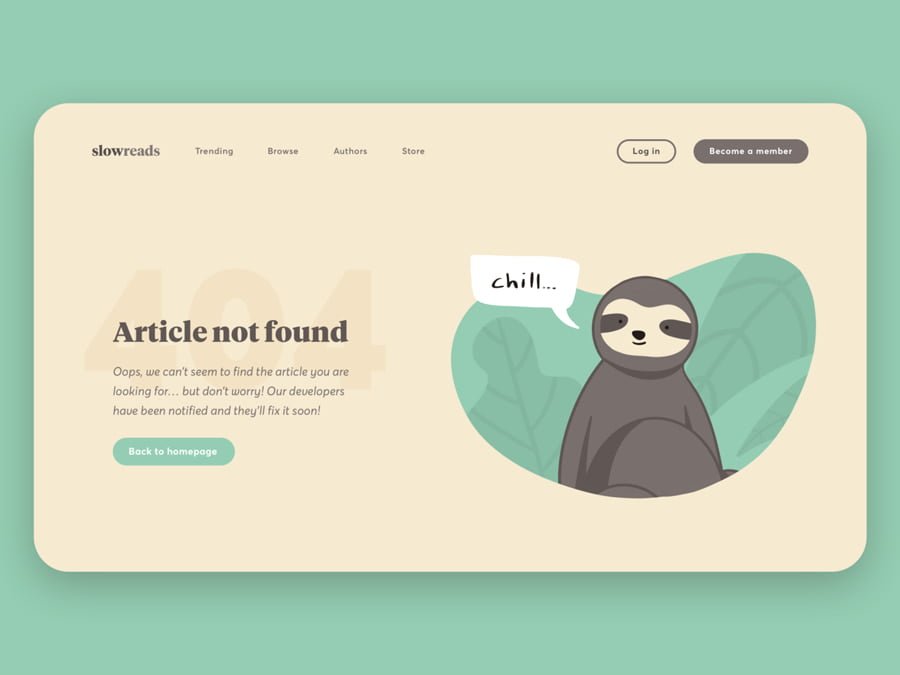
A creative zen-themed 404 page with a sloth
A sloth encouraging you to chill is a moment of zen everybody needs from time to time. Design by Biel Morro.
An animated game-like creative 404 page from Slack
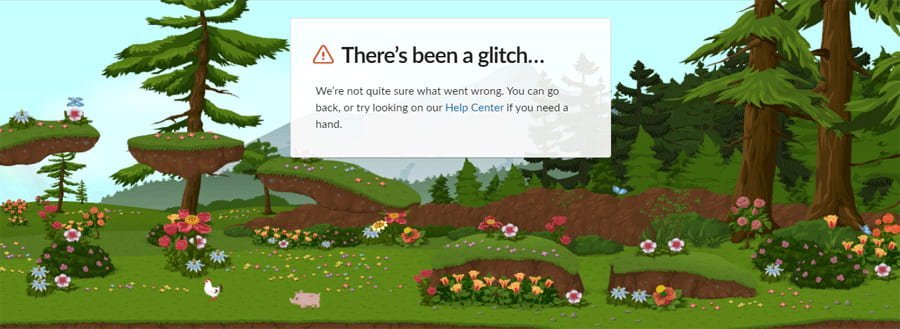
How about an animated 404 page with a cute bucolic landscape you get to explore? This was Slack’s 404 page in 2022 (today Slack shows a simpler “There’s been a glitch” page).

Brand-fitting creative 404 pages

The best 404 pages don’t just use a fun metaphor: they fit the brand so well that they couldn’t belong to any other website.

Last but not least, we will show you some truly excellent examples of brilliant 404 pages. They are truly custom and made to order, and rarely replicable. To achieve a similar effect, a web designer would need to do a ton of brainstorming and creative work with a particular brand, but the effects are well worth it. Judge for yourself!


The creative 404 page from Netflix
The Netflix 404 page shows an image from the series Lost in Space. It works because the 404 page uses the metaphor of being lost in space but puts a movie-themed spin on it. Perfect for Netflix.
KonMari creative 404 page
KonMari is famous for inventing a cleaning and organizing system that took the world by storm. Her 404 page is an ingenious reference to her method.
An interactive vector 404 page from Figma
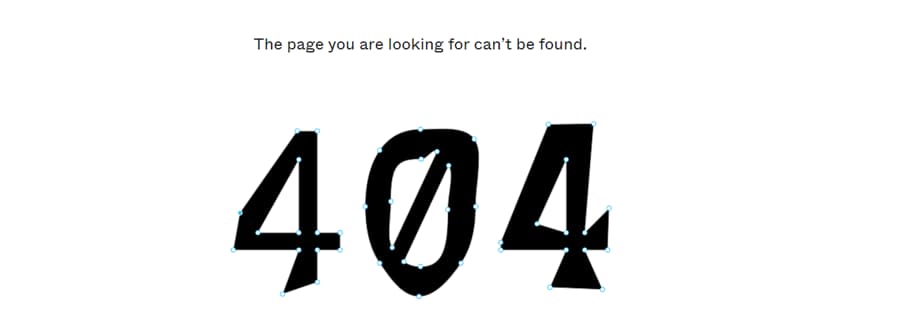
And the 404 error page from Figma is astounding in its simplicity! The only thing it contains is the 404, in vectors which you can play around with. That’s the spirit of Figma.

How to create a custom 404 page in Divi

In Divi, you build a 404 page with the Theme Builder: create a template assigned to the 404 Page, give it a custom body, and Divi will show that layout for every address that doesn’t exist on your website. The steps are the same in Divi 5 and Divi 4.

  1. In your WordPress dashboard, go to Divi → Theme Builder.
  2. Click Add New Template → Build New Template.
  3. In the template settings, find the Other group, tick 404 Page, and click Create Template.
  4. In the new template, click Add Custom Body → Build Custom Body and design your 404 page in the builder.
  5. Save the layout, close the builder, and click Save Changes in the Theme Builder.

A few tips to make it helpful, not just pretty:

  • Say clearly that the page wasn’t found, in your brand’s voice.
  • Add a button back to the home page, and links to your most popular pages.
  • Add a Search module, so visitors can look for what they wanted.
  • Keep your global header and footer on the template, so the navigation is still there.

Final thoughts

A creative 404 page turns a dead end into a small moment of delight, whether it’s a lost fox in space, a cute dog or a perfectly on-brand joke.

We are sure the Web abounds in many more amazing, creative 404 pages, and we might even start putting nonsense into the address bar on purpose just to discover even more amazing examples. Or maybe you have some inspiring 404 pages saved up somewhere? Share them in my Divi Lovers Facebook group!

This article has been tagged with: Web Design Inspiration

Tags

The best creative 404 pages

Table of Contents

Popular questions

How do I create a custom 404 page in Divi?

Go to Divi → Theme Builder, click Add New Template → Build New Template, tick 404 Page in the Other group and click Create Template. Then click Add Custom Body → Build Custom Body, design the page, save, and click Save Changes in the Theme Builder.

Does the 404 page template work in Divi 5?

Yes. The Theme Builder and its 404 Page template option work the same way in Divi 5 as in Divi 4, and you design the body with the Divi 5 builder.

What should a 404 page include?

A clear message that the page wasn’t found, a link or button back to the home page, links to popular pages and ideally a search field. Keeping your header and footer on the page also helps visitors find their way.

About the Author

Ania Romańska

I'm a Divi expert from Poland, with over 10 years building the templates and courses that make up Divi Lover. I'm also a mom of five, which taught me a thing or two about explaining things clearly the first time.

Hey there!Sorry to interrupt,but this one's important!

Divi Lover is turning 10!
Let’s celebrate with 40% off everything.

Ten years of Divi templates, plugins and tips, and a brand-new website to celebrate it. To say thank you, every product in the shop is 40% off until Cyber Monday.

Your code

Paste it at checkout. Valid until November 30.